5 Best WiFi Extenders for Small Flats UK (Strong Signal & Easy Setup)
Best WiFi Extenders for Small Flats UK
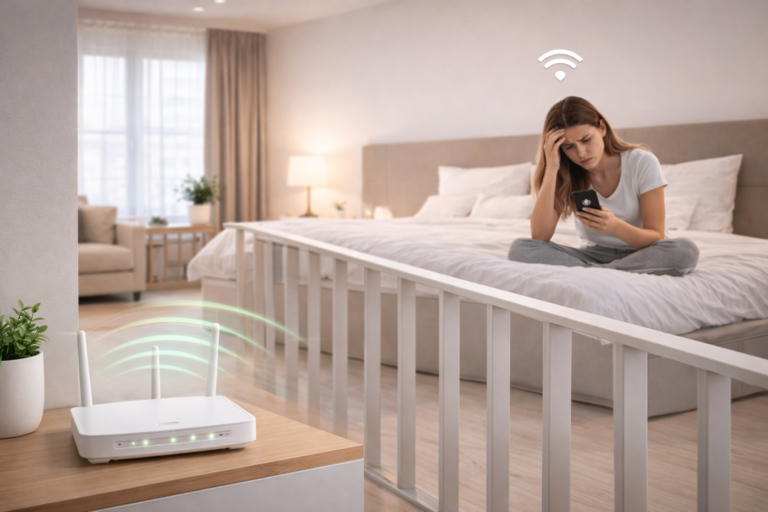
If you live in a studio flat or small apartment, you might assume WiFi should work perfectly everywhere. Unfortunately, that’s often not the case. Thick walls, building materials, and interference from neighbouring networks can weaken your signal — leaving you with slow internet in parts of your home.
This is where WiFi extenders come in.
The best WiFi extenders for small flats in the UK can eliminate weak spots and improve signal coverage, allowing you to stream, work, and browse from anywhere in your apartment without interruptions.
In this guide, we’ll look at the best WiFi extenders for small flats and explain how they help solve common internet problems in compact living spaces. Choosing one of the best WiFi extenders for small flats UK can dramatically improve signal strength and eliminate frustrating dead zones.
| Recommendation | Model | WiFi Standard | Coverage | Best For | Check Price |
|---|---|---|---|---|---|
| 🏆 Best Overall | TP-Link RE700X | WiFi 6 | 3000Mbps | Small flats | Check Latest Price On Amazon |
| 💰 Best Budget | AVBVKG | 2.4 GHz, 5 GHz | 1200Mbps | Streaming | Check Latest Price On Amazon |
| 📦 Best Compact | NETGEAR | 2.4 GHz, 5 GHz | 750Mbps | Home working | Check Latest Price On Amazon |
| ⚡ Best Performance | Amazon eero 6 | WiFi 6 | 500Mbps | Gaming | Check Latest Price On Amazon |
| 🔧 Best Easy Setup | TP-Link Deco X10 | WiFi 6 | 1500Mbps | Quick and easy setup | Check Latest Price On Amazon |
Disclosure: This article contains affiliate links. If you purchase through these links, we may earn a small commission at no extra cost to you.
Why WiFi Signals Struggle in Flats
Even though flats are small, WiFi signals can still struggle to reach every corner. Many UK apartment buildings use materials such as brick, concrete, and metal framing, which can weaken wireless signals.
You may notice problems such as:
- Slow internet in certain rooms
- Buffering when streaming videos
- Dropped video calls
- Weak WiFi near bedrooms or desks
Another common issue is WiFi congestion. In apartment buildings, dozens of networks may be competing on the same channels.
Using a WiFi extender helps boost and rebroadcast your router’s signal so it can reach areas where coverage is weak. Y
ou can also improve connectivity by optimising router placement, which we explain in our guide on how to improve WiFi in a small flat.
What a WiFi Extender Actually Does
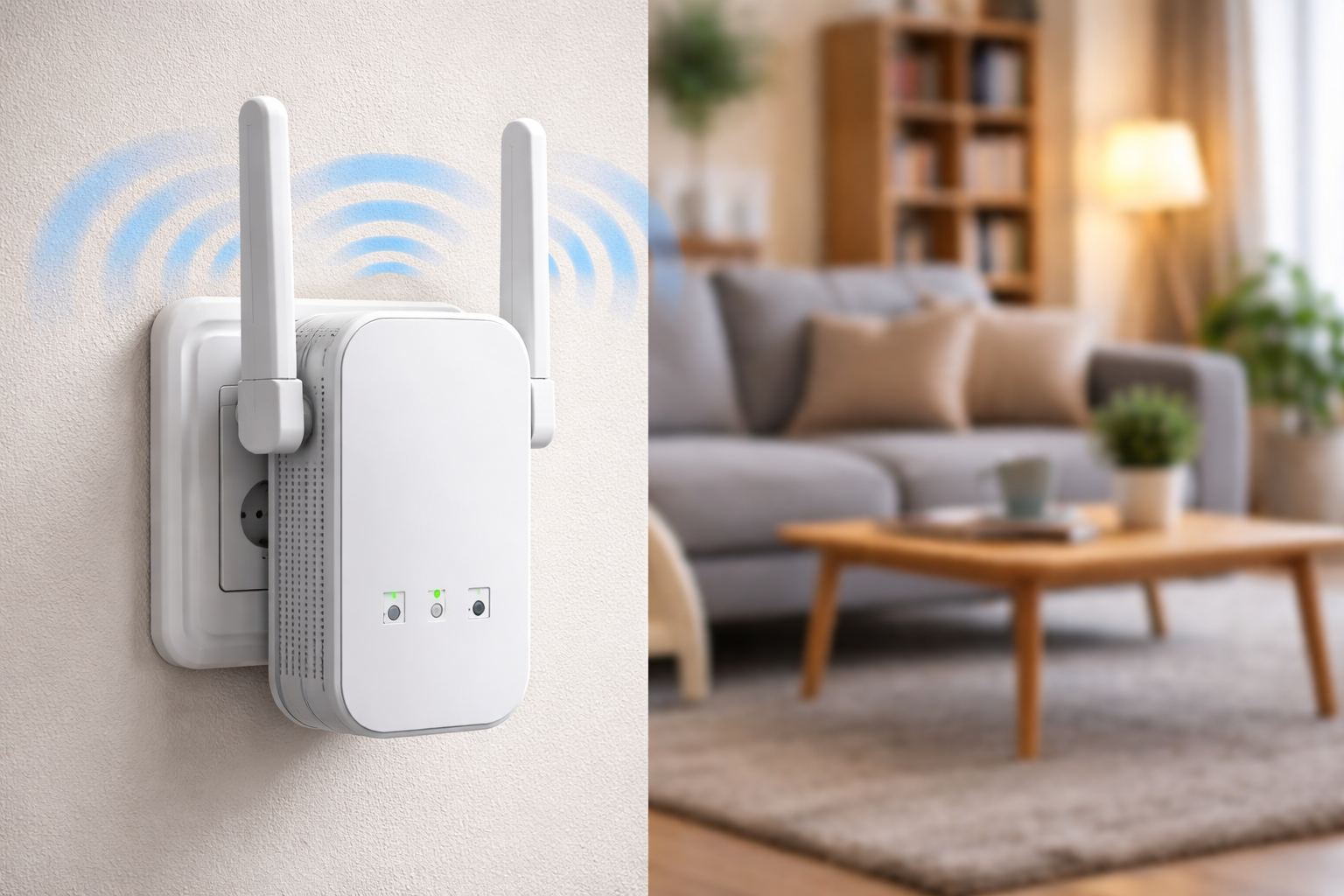
A WiFi extender connects to your existing router and repeats the signal to increase the coverage area.
Instead of relying on one router to cover your entire flat, the extender creates a secondary access point that helps distribute the signal more evenly throughout your home.
For studio flats and small apartments, this usually means:
- stronger signal in bedrooms
- better coverage in home offices
- fewer dead zones
- more stable video calls
Extenders are especially useful if your router is located in a hallway, cupboard, or near the entrance of your flat.
If your router itself is struggling to provide coverage, you may want to read our guide on choosing the best WiFi routers for small flats.
What to Look for in a WiFi Extender
When choosing the best WiFi extenders for small flats in the UK, there are a few key features worth paying attention to. Many of the best WiFi extenders for small flats UK are designed specifically for compact homes where router placement cannot easily be changed.
Dual-Band Support
Dual-band extenders use both 2.4 GHz and 5 GHz frequencies, helping reduce interference and maintain faster speeds.
Compact Size
In small flats, bulky networking equipment can feel intrusive. Compact plug-in models work well because they connect directly to a wall socket without taking up space.
Easy Setup
Many modern extenders offer simple setup through smartphone apps or a single pairing button with your router.
Ethernet Port
Some extenders include an Ethernet port, which allows you to connect devices like smart TVs, gaming consoles, or desktop computers for a more stable wired connection.
According to broadband guidance from Ofcom, WiFi signal strength inside homes can be affected by building materials and interference from nearby networks.
Where to Place a WiFi Extender
Placement is important for getting the best performance from a WiFi extender.
The device should sit roughly halfway between your router and the weak signal area. This allows it to receive a strong enough signal from the router while extending coverage further into the flat.
Avoid placing extenders:
- behind large furniture
- inside cupboards
- near thick concrete walls
- next to microwaves or other electronics
Even a small adjustment in placement can dramatically improve signal strength.
When a WiFi Extender Is Worth It
For many people living in small flats, upgrading the router alone doesn’t solve WiFi problems. If signal drop-off happens because of walls or interference, an extender can make a big difference.
A good WiFi extender can help if:
- your router cannot be moved
- certain rooms have poor signal
- multiple people are using the network
- you work from home and need stable internet
In most cases, adding an extender is one of the easiest ways to improve coverage without replacing your entire networking setup.
Final Thoughts
The best WiFi extenders for small flats in the UK can dramatically improve your internet coverage and eliminate frustrating dead zones. Overall, the best WiFi extenders for small flats UK provide a simple and affordable way to improve internet coverage throughout an apartment.
For studio apartments, a compact extender is often all that’s needed to boost signal strength and create a more reliable network throughout the entire home. When choosing the best WiFi extenders for small flats UK, look for compact devices with strong signal coverage and simple setup.
If you regularly experience slow speeds or weak connections in certain rooms, a WiFi extender can be a simple and effective solution.