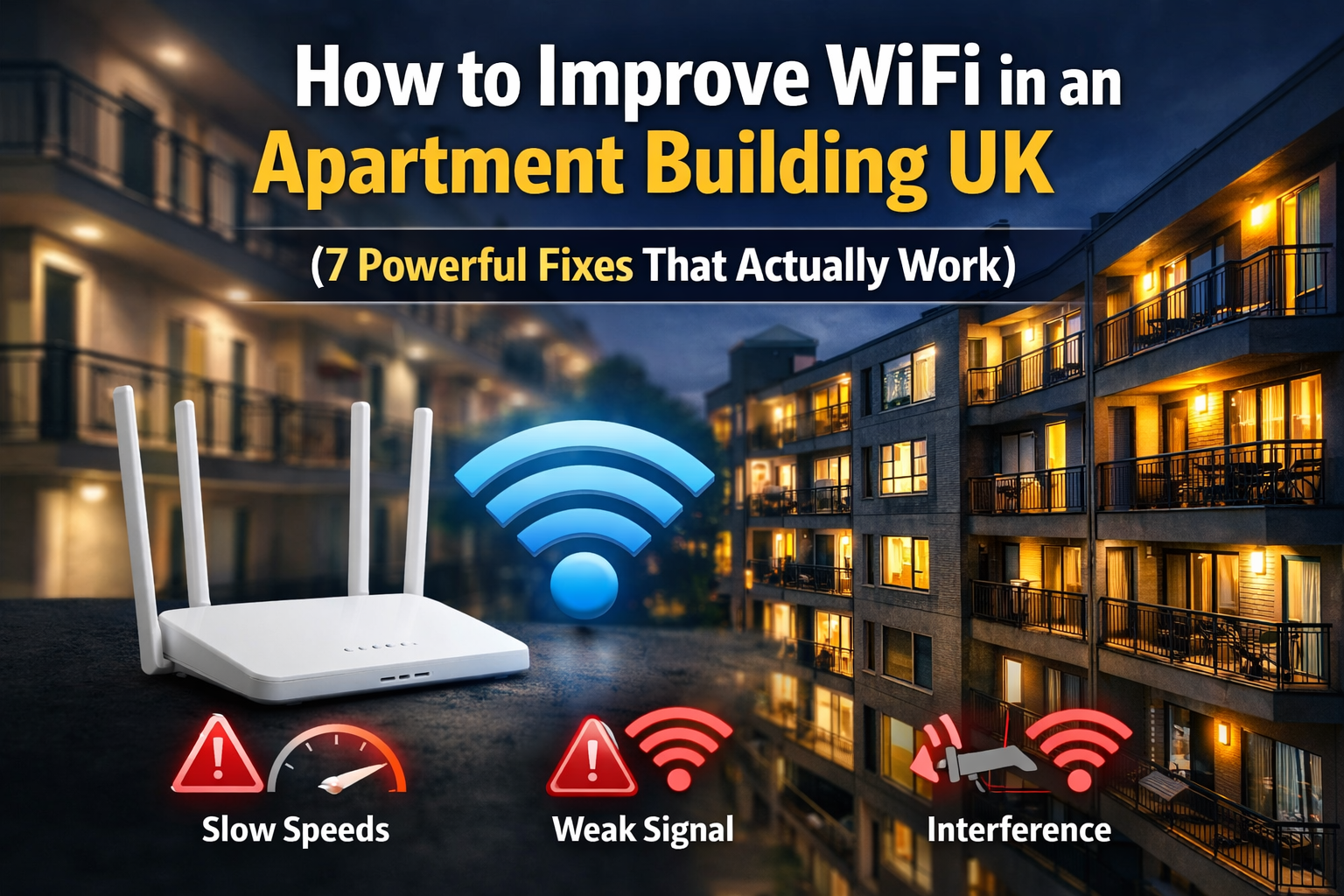
How to Improve WiFi in an Apartment Building UK (7 Powerful Fixes That Actually Work)
How to Improve WiFi in an Apartment Building UK (Quick Answer)
If you’re wondering how to improve WiFi in an apartment building UK, the fastest way is to fix your setup — not your broadband.
The most effective solutions are:
- Move your router to a central position
- Reduce interference from nearby networks
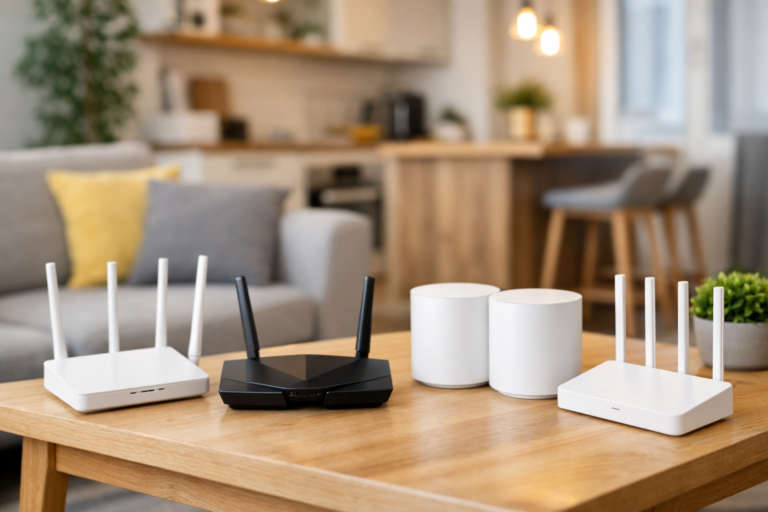
- Upgrade to a better router or mesh system
- Use extenders or powerline adapters if needed
👉 Most WiFi problems in flats are caused by signal issues, not internet speed.
Understanding how to improve WiFi in an apartment building UK starts with identifying what’s actually causing weak signal and slow speeds. You can also follow our full breakdown on how to improve WiFi in a small flat UK for more setup tips.
| Fix | What It Does | When to Use It | Impact |
|---|---|---|---|
| Move Router | Improves signal coverage | Weak signal everywhere | High |
| Reduce Interference | Clears signal congestion | Many nearby networks | High |
| Upgrade Router | Boosts speed & stability | Using ISP router | Very High |
| Mesh System | Covers whole flat evenly | Dead zones in multiple rooms | Very High |
| WiFi Extender | Boosts one area | Single weak room | Medium |
| Powerline Adapter | Uses wiring for connection | Thick walls blocking WiFi | High |
| Reduce Devices | Frees up bandwidth | Slow speeds with many devices | Medium |
Why WiFi Is Worse in Apartment Buildings
WiFi in flats and apartment buildings is often slower and less reliable than expected.
This is usually due to:
- Interference from dozens of neighbouring networks
- Thick walls blocking signal
- Router placement issues
- Overloaded networks during peak hours
👉 Even fast broadband can feel slow in these conditions.
According to Ofcom, WiFi performance in dense housing is heavily affected by interference from nearby networks.
7 Powerful Ways to Improve WiFi in an Apartment Building UK
1. Move Your Router to a Central Location
Router placement makes a huge difference.
- Place it in the centre of your flat
- Keep it away from walls and corners
- Elevate it (shelf height is ideal)
👉 This alone can massively improve signal coverage.
If your issue is limited to certain rooms, you’re likely dealing with weak coverage — learn how to fix WiFi dead zones in flats UK
2. Avoid Interference from Neighbouring WiFi
Apartment buildings are packed with competing signals.
- Switch to a less crowded channel
- Use 5GHz WiFi where possible
- Keep router away from other electronics
👉 Interference is one of the biggest hidden causes of slow WiFi.
3. Upgrade Your Router
Most ISP routers are weak.
Upgrading to a better router can:
- Improve signal strength
- Increase speeds
- Handle more devices
👉 This is often the biggest upgrade you can make.
4. Use a Mesh WiFi System
If your flat has multiple rooms or dead zones:
- Mesh systems spread signal evenly
- Eliminate weak spots
- Provide seamless coverage
👉 Best option for consistent WiFi everywhere.
5. Try a WiFi Extender or Powerline Adapter
If only one room has poor signal:
- Extenders boost wireless signal
- Powerline adapters use your electrical wiring
👉 Great for targeted fixes.
6. Reduce Device Congestion
Too many devices can slow everything down.
- Disconnect unused devices
- Limit background downloads
- Upgrade router if needed
👉 Modern homes demand stronger routers.
7. Position Your Router Away from Obstacles
Avoid placing your router near:
- TVs
- Metal objects
- Thick walls
- Cupboards
👉 Clear space = stronger signal.
For setup improvements, check where to place your WiFi router in a small flat UK.
Router vs Mesh vs Extender — What Should You Choose?
- Router upgrade → Best first step
- Mesh system → Best for full coverage
- Extender/powerline → Best for single weak rooms
👉 Choose based on your specific problem.
Not sure what solution you need? This guide on mesh WiFi vs WiFi extender for small flats explains it clearly
Common Mistakes That Make WiFi Worse
Many people try to improve their WiFi but accidentally make things worse.
Common mistakes include:
- Placing the router in a corner or behind furniture
- Using extenders incorrectly
- Leaving routers on crowded default channels
👉 Fixing these small issues can often improve performance instantly without buying new equipment. By following these steps, you’ll quickly see how to improve WiFi in an apartment building UK without needing expensive upgrades.
Final Thoughts
If you’re trying to figure out how to improve WiFi in an apartment building UK, the solution is usually simple — fix your setup.
For a complete overview, read our main guide on WiFi in small flats UK.
Small changes like placement, reducing interference, or upgrading your router can make a huge difference.
👉 You don’t need faster broadband — you need better WiFi.