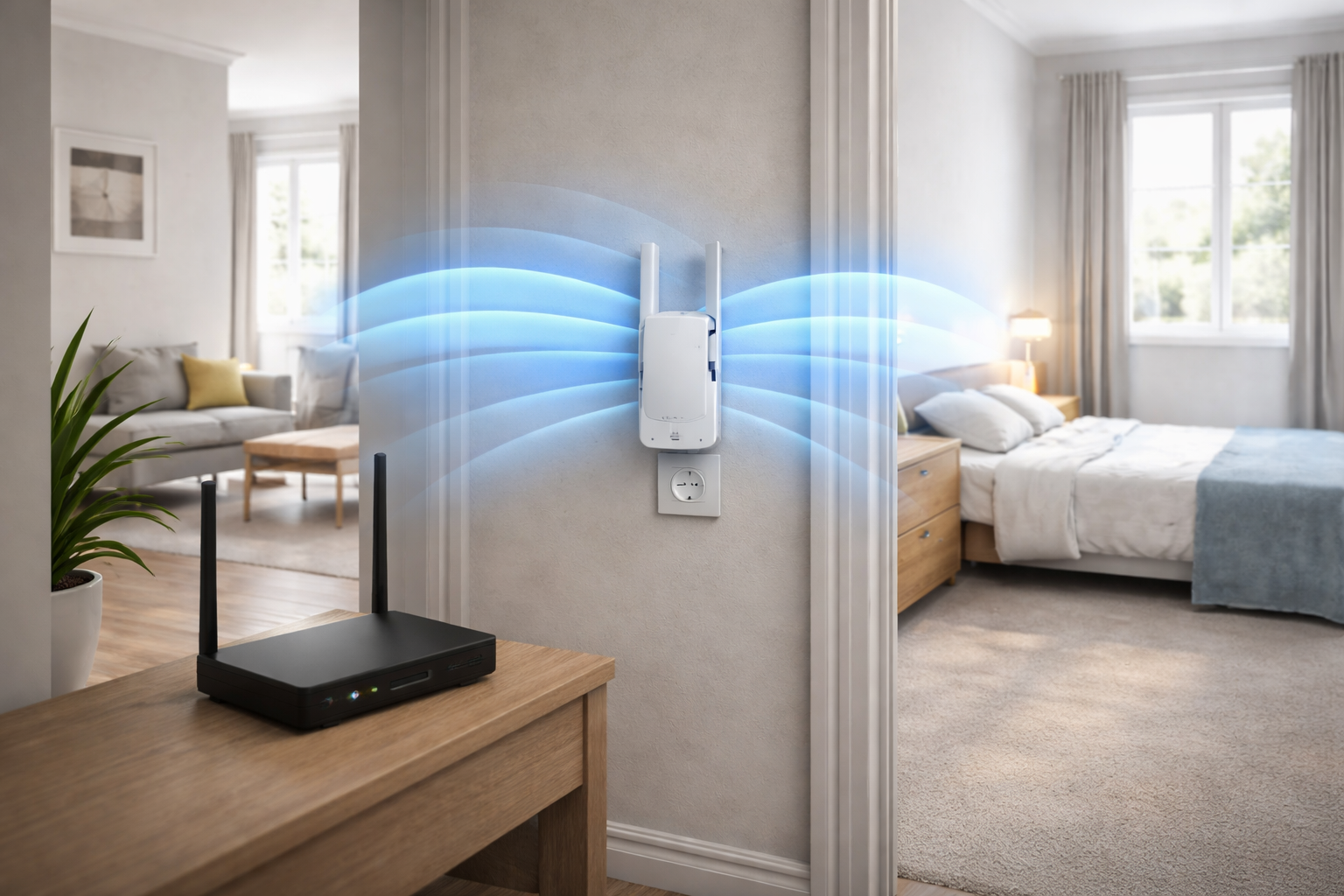
Where to Place a WiFi Extender in a Small Flat UK (Best Signal Guide 2026)
Where to place a WiFi extender in a small flat UK is one of the most important factors in improving your internet speed and eliminating dead zones. Even the best extender will not perform properly if it is placed incorrectly.
In most UK flats, signal issues are caused by walls, layout, and interference. The good news is that correct placement alone can dramatically improve your coverage without needing to upgrade your equipment.
Why placement matters more than the extender itself
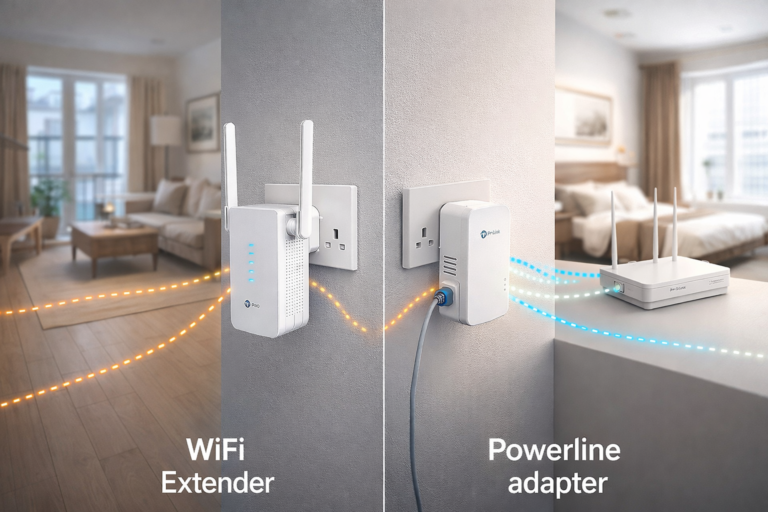
A WiFi extender does not create a new signal — it repeats your existing one.
If the extender receives a weak signal, it will only repeat a weak signal. That is why understanding where to place a WiFi extender in a small flat UK is key to getting faster and more reliable internet.
If your internet is still slow, follow our step-by-step guide on how to improve WiFi in a small flat for practical fixes.
The best place to put a WiFi extender in a small flat
The ideal position is:
👉 halfway between your router and the area with poor signal
This allows the extender to:
- Receive a strong signal from the router
- Extend that signal into weaker areas
For example:
- Router in the living room
- Weak signal in the bedroom
👉 Place the extender in the hallway between them
This setup works for most studio flats.
To understand the root cause of weak signal, our article on why WiFi is bad in flats breaks down common issues.
Common placement mistakes to avoid
Placing it in a dead zone
If your WiFi barely reaches a room, placing the extender there will not fix the issue. It will simply repeat a poor signal.
Hiding it behind furniture
Avoid placing your extender:
- Behind sofas
- Inside cupboards
- Behind TVs
WiFi signals need open space to travel effectively.
Placing it near interference
Certain areas weaken signal significantly, including:
- Kitchens (metal appliances)
- Bathrooms (pipes and tiles)
- Thick walls
Keep your extender away from these areas where possible.
For full-home coverage without weak spots, our guide on best mesh WiFi systems for small flats explains a more advanced solution.
Height and positioning tips
Small changes in positioning can make a noticeable difference.
- Place the extender at waist or chest height
- Plug directly into a wall socket
- Keep it in an open, central position
Avoid placing it too low or tucked into corners.’
Consumer advice from Which? highlights that positioning your WiFi equipment correctly can significantly improve signal strength without extra cost:
How to test your placement
Once installed, walk around your flat and check:
- Signal strength on your phone
- Streaming performance
- Page loading speeds
If the signal is still weak:
👉 Move the extender slightly closer to the router and test again.
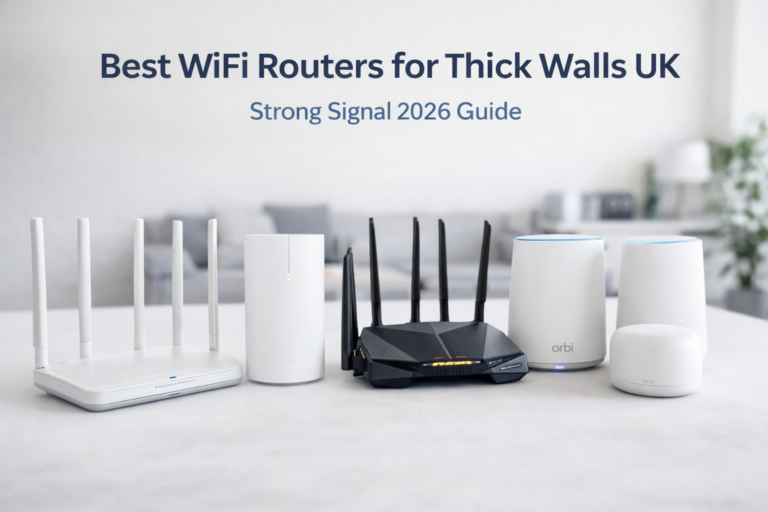
If your extender still isn’t performing well, upgrading your setup with one of the best WiFi routers for small flats UK can significantly improve overall coverage.
When a WiFi extender is not enough
If placement does not fix the issue, your flat may have:
- Thick walls blocking signal
- Too many connected devices
- A weak router
In these cases, you may need to upgrade your setup.
If you are comparing options, our guide on mesh WiFi vs WiFi extender for small flats explains which is best for your situation.
Final thoughts
Understanding where to place a WiFi extender in a small flat UK is one of the easiest ways to improve your internet without spending more money.
With the right placement, you can:
- Eliminate dead zones
- Improve speeds
- Create stable coverage across your entire flat
In most cases, a small adjustment is all it takes.