Where to Place a WiFi Router in a Small Flat (Best Signal UK Guide 2026)
Where to Place WiFi Router in a Small Flat UK (Best Signal Fix Guide 2026)
Where to place wifi router in a small flat uk is one of the most important factors affecting your internet speed and signal strength.
If your WiFi keeps dropping, buffering, or struggling in certain rooms, the issue is often not your broadband — it’s your router placement.
In small UK flats, even a small change in position can dramatically improve your signal.
Understanding where to place a WiFi router in a small flat UK can instantly improve your connection without upgrading your broadband.
Quick Answer: Where to Place a WiFi Router in a Small Flat UK
The best place to put your WiFi router in a small flat is:
- Centrally located in your flat
- Raised off the floor (on a shelf or table)
- In an open space (not inside cupboards)
- Away from thick walls and metal objects
This setup allows your WiFi signal to spread evenly and reach every room.
If you’re building a smarter setup, adding smart plugs can help optimise your space — check out the best smart plugs for small flats.
Why Router Placement Matters in Small Flats
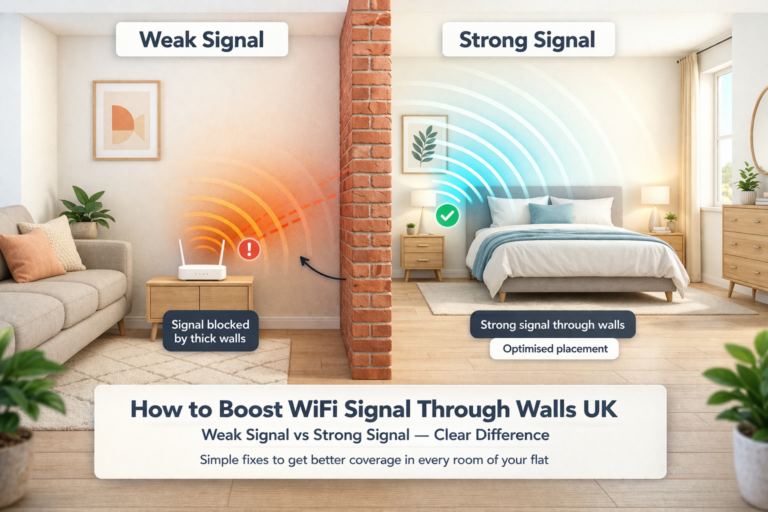
WiFi signals weaken every time they pass through:
- Brick or concrete walls (common in UK flats)
- Metal objects like radiators and appliances
- Furniture and clutter
- Enclosed spaces like cabinets
In many UK flats, especially older buildings, walls are thicker and layouts are tighter — which makes correct placement even more important. This is why knowing where to place a WiFi router in a small flat UK is essential for avoiding weak signal areas.
If moving your router isn’t enough, it’s worth understanding the difference between a WiFi extender and powerline adapter to choose the best option for your setup.
Best Places to Put Your Router
Getting where to place wifi router in a small flat uk right ensures your WiFi spreads evenly across your space.
1. Centre of Your Flat
This is the most important rule.
Placing your router centrally:
- Maximises coverage
- Reduces dead zones
- Improves speed consistency across rooms
If your router is placed in a corner, a large portion of your signal is wasted.
2. Elevated Position (Off the Floor)
Always place your router:
- On a shelf
- On a desk
- Mounted on a wall
Avoid placing it:
- On the floor
- Behind furniture
- Under tables
WiFi signals travel more effectively when they are not immediately blocked.
3. Near Your Main Usage Area
Think about where you use WiFi most:
- Living room
- Work desk
- Bedroom
If a central position isn’t possible, prioritise placing your router near these areas.
4. Open and Visible Location
Avoid hiding your router.
Do NOT place it:
- Inside cupboards
- Behind the TV
- Inside media units
Routers need open space to perform properly.
Worst Places to Put Your Router
Placing your router incorrectly shows why understanding where to place wifi router in a small flat uk is so important for avoiding weak signal areas.
❌ In a Corner
This causes uneven signal distribution and creates dead zones.
❌ Next to Thick Walls
Especially:
- Brick walls
- Concrete walls
- Chimney structures
These absorb WiFi signals and weaken performance.
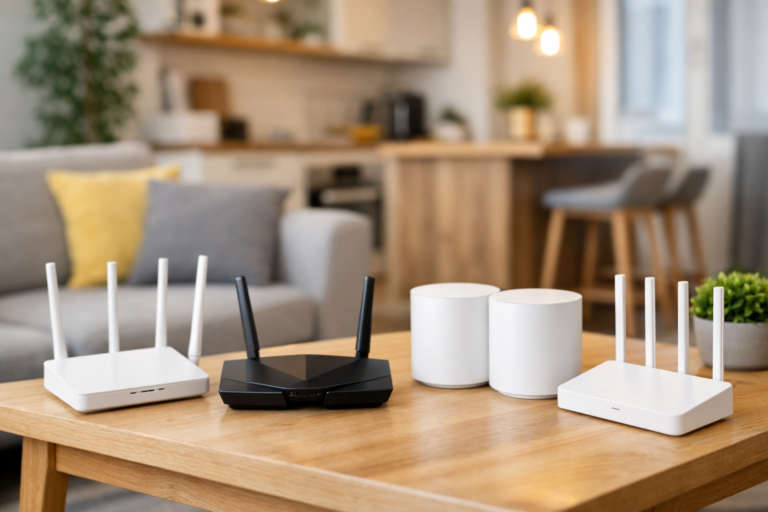
In flats with thick walls, upgrading your router can make a big difference — see the best WiFi routers for thick walls UK for stronger coverage.
❌ Near Metal Objects
Avoid placing your router near:
- Radiators
- Fridges
- Microwaves
Metal reflects and interferes with WiFi signals.
❌ Inside Cabinets or Cupboards
This is one of the biggest mistakes.
Even a powerful router will perform poorly if it is enclosed.
What If You Can’t Move Your Router?
In many UK flats, your router location is fixed due to:
- Fibre entry points
- Phone line placement
- Landlord restrictions
If that’s the case, you still have options.
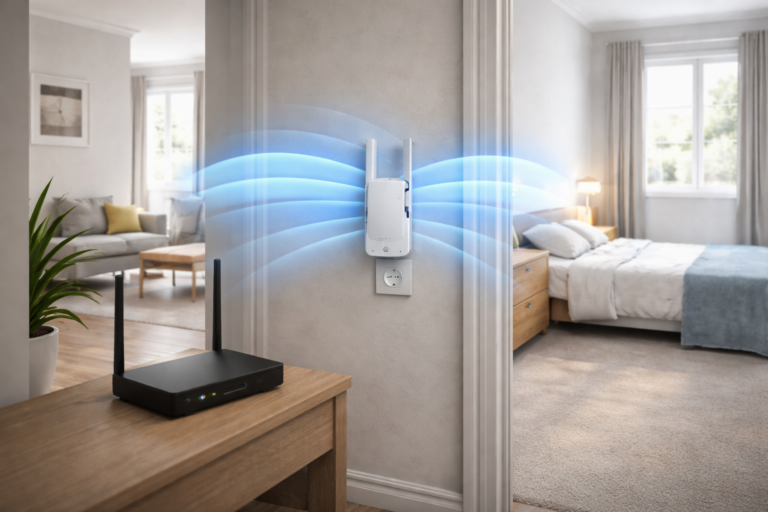
Use a WiFi Extender
A WiFi extender helps boost your signal into weak areas. If you’re using an extender, read our guide on where to place a WiFi extender in a small flat UK.
Place it:
- Halfway between your router and the dead zone
👉 Check Latest Price on Amazon ➜
Upgrade to a Mesh WiFi System
Mesh systems are ideal for:
- Flats with thick walls
- Multiple rooms
- Consistent full coverage
They create a seamless network across your entire flat.
For full coverage, check the best mesh WiFi systems for small flats.
👉 Check Latest Price on Amazon ➜
Adjust Router Antennas
If your router has external antennas:
- Position one vertically
- Position one horizontally
This helps distribute signal more evenly.
Pro Tips for Better WiFi Signal in Small Flats
- Keep your router slightly away from walls
- Avoid placing it directly next to your TV
- Do not place it near mirrors (they can reflect signals)
- Restart your router occasionally for best performance
You can also follow our full guide on how to improve WiFi in a small flat.
FAQ — Where to Place a WiFi Router in a Small Flat UK
Does moving my router really help?
Yes — even moving it by one or two metres can significantly improve your WiFi signal and speed. If you’re struggling with weak signal, knowing where to place wifi router in a small flat uk is the easiest way to improve your connection.
Should I place my router near a window?
Not necessarily. Central placement is far more important than window placement.
According to Ofcom, home layout and building materials can significantly affect WiFi performance.
Is it bad to hide a router?
Yes. Hiding your router reduces signal strength and overall coverage.
Do I need a better router or better placement?
Start with placement first — it’s the quickest and most effective fix.
If you’re wondering why your signal struggles, see why WiFi is bad in flats.
Where to place wifi router in a small flat uk for best signal?
The best place is centrally located, elevated, and in an open space away from thick walls and interference.
Final Thoughts
Getting where to place a WiFi router in a small flat UK right can instantly improve your internet performance.
Before upgrading your broadband or buying new equipment, optimise your router position first.
Once you get where to place a WiFi router in a small flat UK right, most connection issues disappear.
In most cases, the right placement alone can:
- Eliminate dead zones
- Improve speeds
- Stabilise your connection
Fix your placement — and your WiFi will perform the way it should.
Disclosure: This article contains affiliate links. If you purchase through these links, we may earn a small commission at no extra cost to you.