Why Does WiFi Lag in Bedrooms UK? (7 Real Causes + Easy Fixes)
Why Does WiFi Lag in Bedrooms UK?
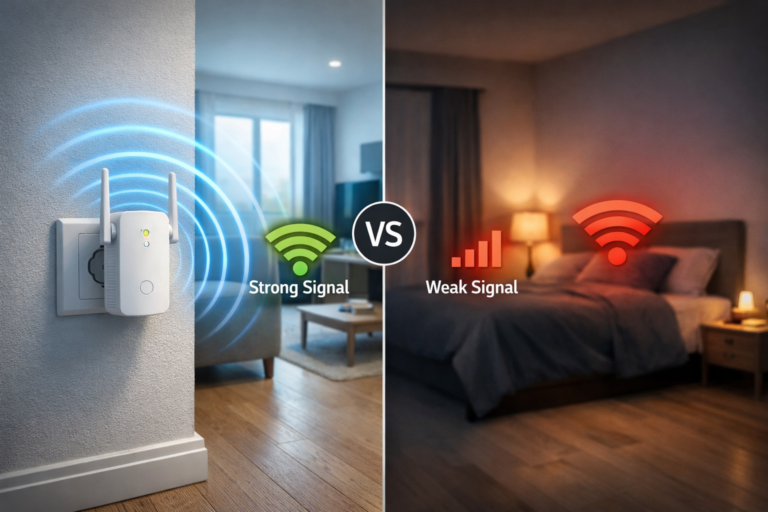
If you’ve been asking why does WiFi lag in bedrooms UK, you’re not alone. It’s one of the most common problems in flats and small homes — your internet works perfectly in the living room, but the moment you move into the bedroom, it slows down, buffers, or drops completely.
This isn’t random. Bedrooms are often the hardest places for WiFi to reach, especially in UK properties where walls, layout, and interference all play a role.
For a full setup breakdown, read how to improve WiFi in a small flat UK
1. Your Bedroom Is Too Far from the Router
The most common reason why does WiFi lag in bedrooms UK is distance.
WiFi signals weaken the further they travel. Bedrooms are often:
- Upstairs
- At the far end of a flat
- Behind multiple walls
By the time the signal reaches your bedroom, it’s already significantly reduced.
2. Walls Are Blocking the Signal
Walls are one of the biggest obstacles to strong WiFi.
In many UK homes, materials like:
- Brick
- Concrete
- Thick plaster
…can absorb or weaken the signal. Bedrooms often sit behind several walls, which makes the problem worse.
If your signal struggles through walls, it helps to understand how to boost WiFi signal through walls UK
3. Interference from Other Networks
Another major reason why does WiFi lag in bedrooms UK is interference.
In flats especially, your WiFi is competing with:
- Dozens of neighbouring networks
- Smart devices
- TVs and wireless tech
Bedrooms often sit in areas where signals overlap, causing instability and lag.
Interference is a major factor in flats, so learning how to fix WiFi interference from neighbours UK can make a big difference
4. You’re Using the Wrong WiFi Band
Not all WiFi connections behave the same.
- 2.4GHz travels further but is slower and more crowded
- 5GHz is faster but struggles through walls
In bedrooms, your device may switch between bands or struggle to maintain a stable connection, leading to lag.
5. Poor Router Placement
Router position makes a huge difference.
If your router is:
- Hidden in a corner
- Behind furniture
- Placed low to the ground
…it won’t distribute signal effectively, especially to bedrooms further away.
Your setup matters more than you think, so make sure you know where to place a WiFi router in a small flat UK
6. Too Many Devices at Night
Another overlooked reason why does WiFi lag in bedrooms UK is usage patterns.
In the evening:
- People are streaming
- Gaming increases
- Multiple devices are active
This creates congestion, which often shows up as lag in bedrooms first.
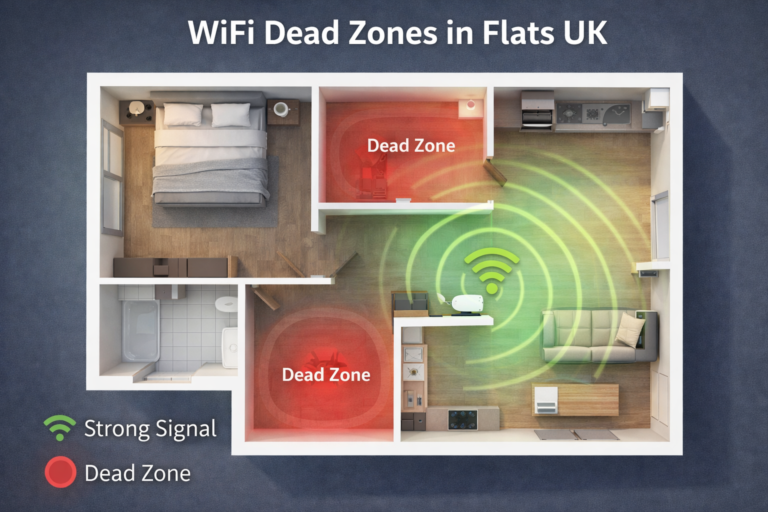
7. Your Bedroom Is a WiFi Dead Zone
Some bedrooms fall into natural “dead zones”.
This means:
- Signal barely reaches
- Connection drops frequently
- Speeds become inconsistent
Dead zones are common in flats and awkward layouts.
If parts of your home lose signal completely, you may be dealing with WiFi dead zones in flats UK
How to Fix WiFi Lag in Bedrooms (Quick Wins)
If you’re dealing with this issue, here’s what actually works:
- Move your router to a central, open position
- Switch between 2.4GHz and 5GHz to test stability
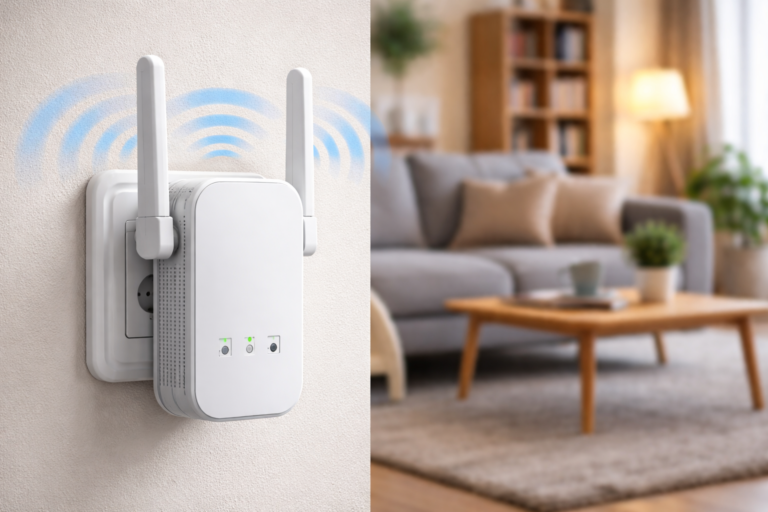
- Use a WiFi extender or mesh system
- Avoid placing routers near walls or metal objects
- Reduce heavy usage during peak times
According to Ofcom, WiFi congestion and interference are common issues in UK homes, especially in flats.
Bonus Tip: Why It Gets Worse at Night
Many people notice this problem more in the evening.
If you’re wondering why does WiFi lag in bedrooms UK specifically at night, it’s usually because:
- More people are online
- WiFi channels become crowded
- Interference increases
This exposes weak signal areas like bedrooms much more clearly.
Does Bedroom Layout Affect WiFi Performance?
If you’re still wondering why does WiFi lag in bedrooms UK, your room layout could be a hidden factor.
Things like:
- Bed positioning
- Wardrobes and large furniture
- Mirrors and metal objects
…can all interfere with how WiFi signals travel.
Even moving your device a small distance — like closer to the door or away from a wall — can sometimes improve connection stability.
Final Thoughts
If you’re asking why does WiFi lag in bedrooms UK, the cause is usually a mix of distance, walls, and interference — not your internet provider.
Once you optimise your setup, bedroom WiFi can improve dramatically without needing to upgrade your broadband.