Why Is WiFi Worse at Night in Flats UK? (7 Real Reasons + Easy Fixes)
Why is WiFi worse at night in flats
If you’ve noticed your internet slowing down in the evening, you’re not imagining it. Many people search why is WiFi worse at night in flats UK because their connection is perfectly fine during the day but suddenly becomes slow, unstable, or laggy at night.
The good news is — this is extremely common, especially in flats and apartment buildings. The issue isn’t usually your broadband package, but what’s happening around you and this is exactly why so many people search why is WiFi worse at night in flats UK, especially when the slowdown happens consistently every evening.
If you want a full breakdown of improving your setup, read how to improve WiFi in a small flat UK
1. Network Congestion from Neighbours
One of the biggest reasons why is WiFi worse at night in flats UK is simple: everyone is online at the same time.
In the evening:
- People stream Netflix, YouTube, and Sky
- Online gaming spikes
- Video calls increase
All of this creates heavy congestion across shared wireless channels, especially in densely packed flats.
Your setup can make a huge difference, so check where to place a WiFi router in a small flat UK
2. WiFi Channel Overcrowding
Most routers are set to “auto” channel selection, which often fails in busy areas.
At night, more networks become active, meaning:
- Channels overlap
- Signals interfere
- Speeds drop
This is a key reason why your WiFi can feel fine during the day but struggle in the evening.
3. Interference from Nearby Networks
Flats are one of the worst environments for interference.
Your WiFi is competing with:
- Dozens of neighbouring routers
- Smart devices (TVs, speakers, etc.)
- Walls reflecting signals
This interference becomes much worse at night when more devices are active.
Interference is a huge factor in flats, so it’s worth learning how to fix WiFi interference from neighbours UK
4. Too Many Devices on Your Network
Another hidden reason why is WiFi worse at night in flats UK is your own usage.
At night, your household likely has:
- Phones scrolling
- TVs streaming
- Consoles gaming
- Laptops downloading
All sharing the same bandwidth.
Even fast broadband can feel slow when multiple devices are competing.
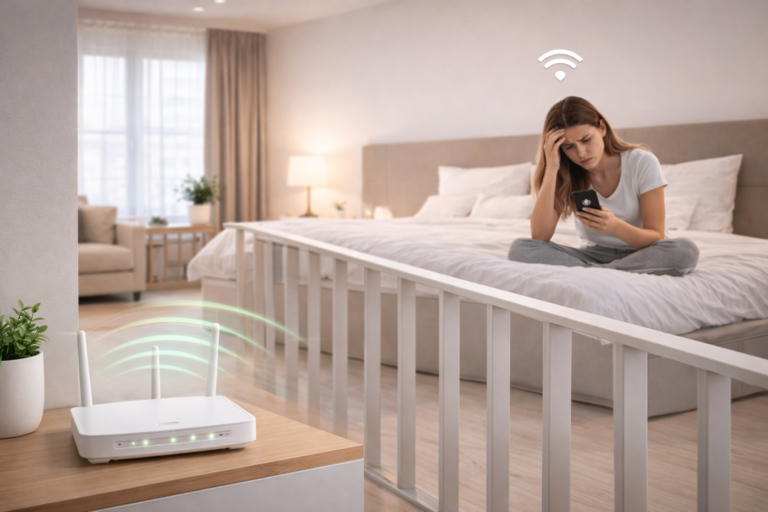
5. Router Placement Issues Become More Noticeable
During the day, light usage can mask poor router placement.
At night, weak spots become obvious:
- Bedrooms far from the router
- Signal blocked by walls
- Corners with poor coverage
If your setup isn’t optimised, evening performance will suffer.
If your signal struggles through walls, you’ll need to understand how to boost WiFi signal through walls UK
6. Your Router May Be Struggling
Older or low-quality routers often can’t handle peak evening demand.
Signs include:
- Sudden slowdowns
- Random disconnects
- High ping in games
Upgrading your router can make a huge difference in busy environments like flats.
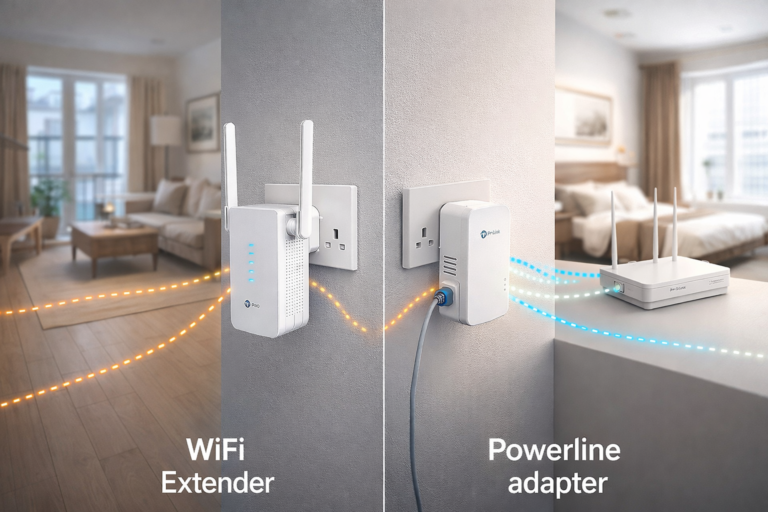
If you’re using an extender, make sure you know where to place a WiFi extender in a small flat UK
7. ISP Network Load (Beyond Your Control)
Sometimes, the issue isn’t inside your home.
ISPs can experience peak-time congestion, especially in high-density areas. This can affect:
- Latency (ping)
- Streaming quality
- Overall speed
This is another reason people ask why is WiFi worse at night in flats UK, even when their setup seems fine.
Bonus Tip: Why WiFi Feels Fine in the Day but Not at Night
Many people wonder why is WiFi worse at night in flats UK when everything works perfectly during the day.
The reason is simple — demand.
During the day:
- Fewer people are home
- Less streaming and gaming
- Less interference
At night:
- Entire buildings come online
- WiFi channels become crowded
- Bandwidth gets shared across more devices
This sudden increase in demand exposes weaknesses in your setup that you wouldn’t normally notice.
According to Ofcom, peak-time congestion is a common issue affecting broadband performance across UK households.
How to Fix Slow WiFi at Night (Quick Wins)
Here’s what actually works:
- Switch to 5GHz WiFi for faster speeds
- Manually change your WiFi channel
- Move your router to a central, open location
- Limit heavy downloads during peak times
- Upgrade to a better router or mesh system
- Use Ethernet for gaming where possible
Final Thoughts
If you’re wondering why is WiFi worse at night in flats UK, it usually comes down to congestion, interference, and increased demand — not your internet plan.
The key is optimising your setup so it can handle peak times more efficiently.
Fix the environment, and your WiFi performance will improve — even during the busiest hours.