WiFi Dead Zones in Flats UK (7 Causes and Easy Fixes That Work)
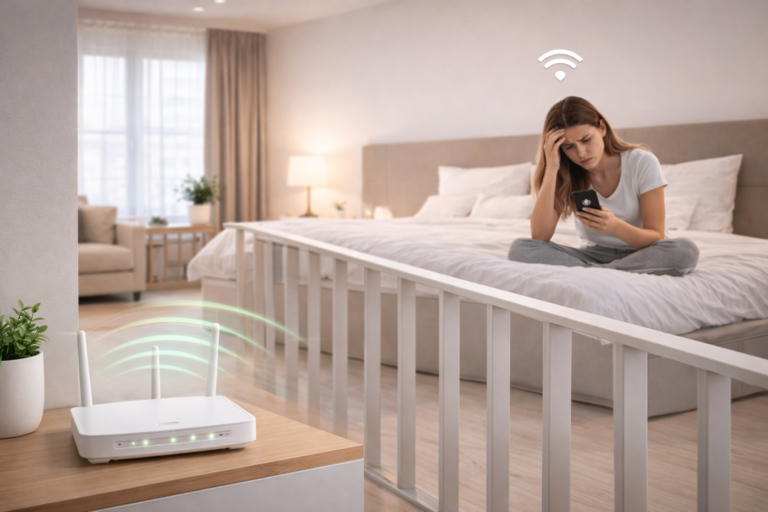
WiFi dead zones in flats uk are one of the most frustrating issues, especially when your connection works perfectly in one room but completely drops in another.
These dead zones are common in UK flats due to layout, materials, and interference — but the good news is they can be fixed.
This guide explains exactly what causes WiFi dead zones and how to eliminate them.
WiFi dead zones in flats uk — quick answer
- Dead zones are areas where your WiFi signal is weak or unavailable
- They are usually caused by walls, distance, or interference
- Fixes include better router placement, extenders, or alternative solutions
👉 Most dead zones can be fixed without upgrading your broadband
What Are WiFi Dead Zones?
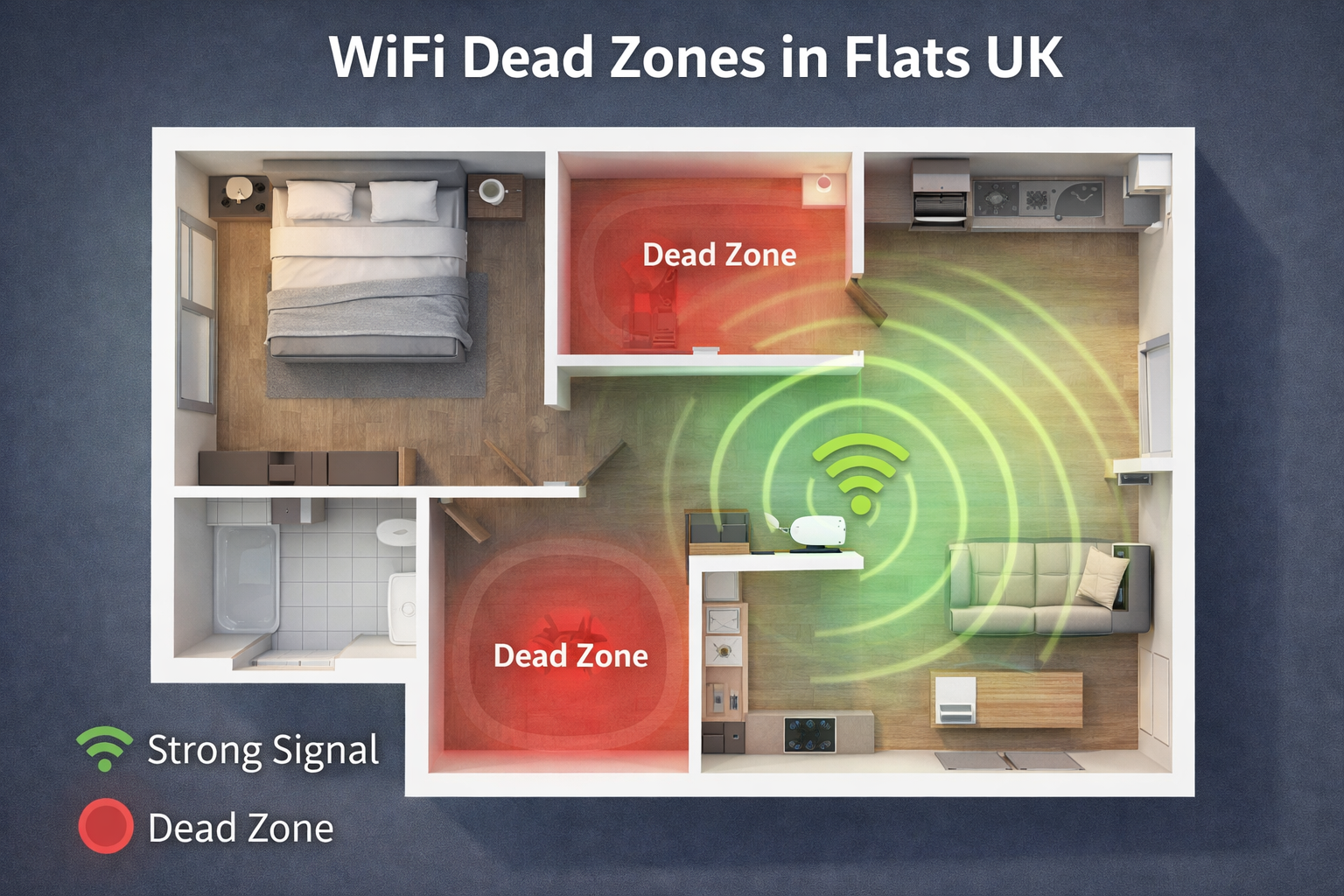
WiFi dead zones are areas in your flat where the signal is too weak to use.
This means:
- Slow loading speeds
- Frequent disconnections
- No signal at all in some rooms
Understanding WiFi dead zones in flats uk helps you identify the root cause of your issue.
7 Causes of WiFi Dead Zones in Flats
1. Thick Walls
Brick and concrete walls block WiFi signals significantly.
👉 If your flat has this issue, check the best WiFi routers for thick walls UK.
2. Poor Router Placement
Where your router is positioned makes a huge difference.
- Corners reduce coverage
- Low placement weakens signal
- Enclosed spaces block transmission
👉 Follow our guide on where to place wifi router in a small flat uk.
3. Distance from the Router
The further you are from the router, the weaker the signal becomes.
4. Interference from Devices
Common household items can disrupt WiFi:
- Microwaves
- TVs
- Bluetooth devices
5. Building Layout
Long hallways, multiple rooms, and awkward layouts create signal drop-off areas.
According to Ofcom, building materials and interference can significantly affect WiFi performance in UK homes.
6. Too Many Connected Devices
Multiple devices using the same network can slow down your connection.
7. Weak or Outdated Router
Older routers struggle to deliver strong, consistent signal.
How to Fix WiFi Dead Zones
If you’re dealing with wifi dead zones in flats uk, these solutions will help:
1. Move Your Router
- Place it centrally
- Keep it elevated
- Avoid obstacles
👉 See where to place wifi router in a small flat uk for best results.
2. Use a WiFi Extender
Extenders can push signal into weak areas.
👉 Check the best WiFi extenders for small flats UK.
👉 Learn more in our guide on do wifi extenders reduce internet speed uk.
👉 Check Latest Price on Amazon ➜
3. Try a Powerline Adapter
For thick walls or long distances:
👉 Compare options in WiFi extender vs powerline adapter UK.
👉 Check Latest Price on Amazon ➜
4. Upgrade to a Mesh System
Mesh systems provide full coverage across your flat.
👉 See the best mesh WiFi systems for small flats.
👉 Compare in mesh WiFi vs WiFi extender for small flats.
👉 Check Latest Price on Amazon ➜
5. Reduce Interference
- Move devices away from your router
- Avoid placing near electronics
6. Limit Device Usage
Disconnect devices you’re not using.
7. Upgrade Your Router
If your router is old, replacing it can solve most issues.
👉 See the best WiFi routers for thick walls UK.
Common Mistakes to Avoid
- Placing your router in a corner
- Using extenders incorrectly
- Ignoring wall thickness
- Expecting full signal everywhere
FAQ — wifi dead zones in flats uk
Why do I have WiFi dead zones in my flat?
Usually due to walls, distance, or interference.
Can WiFi extenders fix dead zones?
Yes — but only if placed correctly.
Are mesh systems better than extenders?
Yes, for full coverage across multiple rooms.
What is the fastest way to fix a dead zone?
Moving your router to a central position is often the quickest fix.
Final Thoughts
If you’re dealing with WiFi dead zones in flats uk, the key is identifying the cause and choosing the right solution.
Most issues can be fixed with better placement, the right equipment, or small adjustments to your setup.
With the right approach, you can eliminate dead zones and enjoy consistent WiFi throughout your flat.
Disclosure: This article contains affiliate links. If you purchase through these links, we may earn a small commission at no extra cost to you.