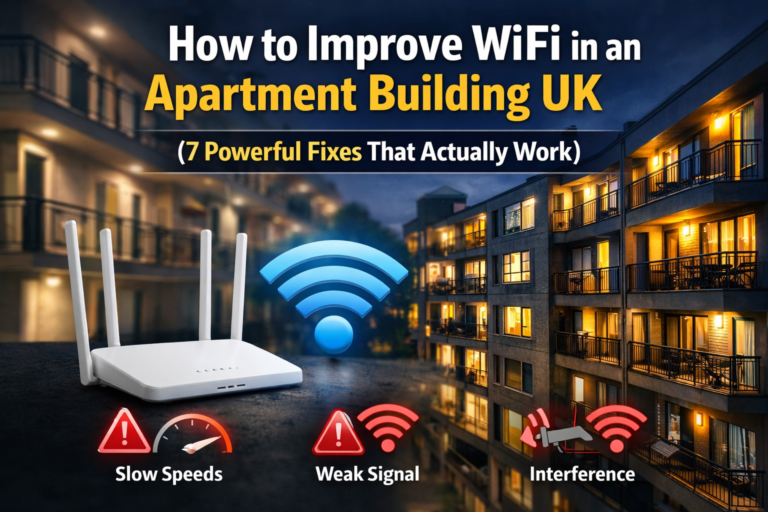
WiFi in Small Flats UK (7 Best Ways to Fix Slow Speed & Boost Signal)
WiFi in Small Flats UK Explained (Why It’s Often Slow or Unstable)
WiFi in small flats UK is often worse than people expect. Even with fast broadband, you can still get slow speeds, dropouts, or weak signal in certain rooms.
That’s because WiFi performance in flats isn’t just about speed — it’s affected by layout, walls, interference, and how your router is set up.
If your connection feels slow or unstable overall, follow our full guide on how to fix slow WiFi in a small flat UK.
WiFi in Small Flats UK — Quick Answer
If your WiFi is slow or unstable in a flat:
- Place your router in a central, open position
- Avoid thick walls and enclosed spaces
- Reduce interference from nearby networks
- Use an extender or mesh system for coverage
- Consider powerline adapters for stability
👉 Most WiFi issues in flats are caused by setup — not your internet plan
Why WiFi Is Bad in Small Flats
WiFi problems in flats are usually caused by physical and environmental factors.
Thick Walls Block Signal
Brick and concrete walls reduce signal strength significantly. Even one wall can weaken your connection — multiple walls can create dead zones.
If your signal struggles to pass through walls, follow our guide on how to boost WiFi signal through walls UK for practical fixes that work.
According to Ofcom, building materials and interference can significantly affect WiFi performance in UK homes.
Interference From Other Networks
Flats often have dozens of nearby WiFi networks. These overlap and compete, which can cause slow speeds and instability.
If you’re building a smarter setup, small upgrades like smart plugs can also help manage devices more efficiently — check the best smart plugs for small flats.
Poor Router Placement
Routers placed in corners, cupboards, or near walls struggle to distribute signal evenly.
Too Many Devices
Phones, TVs, laptops, and smart devices all compete for bandwidth, especially on slower connections.
👉 For a deeper breakdown, see why WiFi is bad in flats.
7 Best Ways to Fix WiFi in Small Flats UK
1. Place Your Router in the Right Position
This is the most important fix.
- Keep it central
- Elevate it (desk or shelf height)
- Avoid corners and enclosed spaces
👉 Follow this guide on where to place WiFi router in a small flat UK.
2. Reduce Signal Blockage From Walls
WiFi struggles to pass through dense materials.
- Avoid placing your router behind thick walls
- Try to keep key devices within line of sight
- Minimise the number of walls between router and devices
3. Fix WiFi Dead Zones in Your Flat
Dead zones are areas where signal drops completely.
Common places:
- Bedrooms far from router
- Behind thick walls
- Upper or lower floors
👉 Learn how to fix WiFi dead zones in flats UK.
4. Use a WiFi Extender (For Small Coverage Gaps)
Extenders can help push signal into weak areas.
Best for:
- One or two problem rooms
- Small flats with limited dead zones
👉 See the best WiFi extenders for small flats UK.
👉 Also read do WiFi extenders reduce internet speed UK.
👉 Check Latest Price on Amazon ➜
5. Upgrade to a Mesh WiFi System (Best Overall Solution)
Mesh systems create consistent coverage across your flat.
Best for:
- Multiple rooms
- Thick walls
- Reliable performance
👉 Explore the best mesh WiFi systems for small flats.
👉 Compare mesh WiFi vs WiFi extender for small flats.
👉 Check Latest Price on Amazon ➜
6. Use a Powerline Adapter (Most Stable Option)
Powerline adapters use your home’s electrical wiring.
Best for:
- Gaming
- Work setups
- Rooms with poor WiFi signal
👉 Compare options in WiFi extender vs powerline adapter UK.
👉 Check Latest Price on Amazon ➜
7. Upgrade Your Router
Older routers struggle with:
- Multiple devices
- Interference
- Signal distribution
👉 Check the best WiFi routers for thick walls UK.
Common WiFi Problems in Small Flats
- Slow speeds even with fast broadband
- WiFi cutting out randomly
- Weak signal in certain rooms
- Buffering when streaming
- High ping when gaming
👉 These issues are usually caused by setup, not speed
FAQ — WiFi in Small Flats UK
Why Is WiFi Worse in Flats Than Houses?
Because of interference from nearby networks and signal loss through walls.
Do I Need Faster Internet?
Not always — many issues are caused by poor setup rather than low speed. You can also test your connection speed using tools like Speedtest by Ookla to check real-world performance.
What’s the Best Solution for Small Flats?
A combination of good router placement and either a mesh system or extender. Choosing the right device also matters — see the best WiFi routers for small flats UK for reliable options.
Are Extenders or Mesh Better?
Mesh systems are more reliable, but extenders can work for smaller setups.
Final Thoughts
Improving WiFi in small flats UK comes down to understanding how signal behaves in your space.
With the right placement and equipment, you can eliminate dead zones, reduce interference, and get stable WiFi throughout your flat.
Disclosure: This article contains affiliate links. If you purchase through these links, we may earn a small commission at no extra cost to you.