7 Best 55-Inch TVs UK 2026: Top Picks for Small Living Rooms
📺 Big-Screen Viewing Without Overwhelming a Small Living Room
55-Inch TVs hit a particularly useful sweet spot for smaller UK living rooms. They are large enough to make films, sport and gaming feel immersive without demanding the wall space of a 65-inch or 75-inch screen.
For many flats and compact homes, 55-Inch TVs also work well at typical sofa distances of roughly two to three metres. You get a noticeably bigger picture than a 43-inch or 50-inch model while still keeping the room practical.
The best 55-Inch TVs now offer far more than just 4K resolution. Depending on budget, you can get improved picture processing, HDR support, gaming features, smart-home integration, streaming platforms and surprisingly slim chassis designs.
For this guide, we compared 55-Inch TVs for picture quality, motion handling, smart features, gaming support, sound, physical dimensions and how comfortably each model fits into a smaller living room.
Our overall winner is the LG 55NU800B6LA Nano UHD AI NU80, thanks to its strong 4K processing, webOS 26, VRR support, gaming features and relatively light, slim design.
⚡ Quick Picks: Best 55-Inch TVs
LG 55NU800B6LA Nano UHD AI NU80 — Best Overall

Sony BRAVIA 3 K-55S3 — Best for Movies & Picture Processing

Samsung U7020H Crystal UHD 4K — Best Smart TV Experience
![Samsung Smart TV 55-Inch U7020H Crystal UHD 4K TV, HDR10+, Motion Xcelerator, Dynamic Sound Pack, Gaming Hub, Knox Security, Vision AI Companion [2026]](https://m.media-amazon.com/images/I/419VkPBuHFL._SL160_.jpg)
Xiaomi TV F 55 2026 — Best for Budget Gaming
Amazon Ember 55″ 4-Series Fire TV — Best for Streaming
Hisense 55E6QTUK — Best Value with Freely

TCL 55V6D-UK — Best Budget Fire TV

Affiliate disclosure: This article contains Amazon affiliate links. If you click one of these links and make a qualifying purchase, I earn a commission at no extra cost to you. As an Amazon Associate I earn from qualifying purchases.
🏆 OUR TOP PICK — LG 55NU800B6LA Nano UHD AI NU80
The LG 55NU800B6LA takes our top position because it combines strong everyday picture quality with smart features and gaming support without becoming excessive for a smaller room.
Its 55-inch 4K Nano UHD panel is powered by LG’s α7 AI Processor Gen9, which handles upscaling, picture optimisation and general image processing.
The TV runs webOS 26, giving you access to the major streaming platforms through a mature and easy-to-use interface.
For gaming, the LG supports VRR up to 60Hz, ALLM and Game Optimiser. It is not a true 120Hz gaming TV, but it has enough low-latency features to suit casual PS5 and Xbox Series X use.
At roughly 122.6cm wide and around 8.8kg without the stand, it is also relatively manageable for wall mounting.
Among these 55-Inch TVs, the LG offers the best balance of picture quality, software, gaming features and physical practicality.
CHECK LATEST PRICE ON AMAZON →
📊 55-Inch TVs Comparison Table
| Product | Best For | Key Spec | Main Advantage | Possible Drawback | Check Latest Price |
|---|---|---|---|---|---|
| LG 55NU800B6LA | Best overall | 4K Nano UHD / 60Hz / webOS 26 | Strong all-round picture and gaming features | No native 120Hz panel | CHECK LATEST PRICE ON AMAZON → |
| Sony BRAVIA 3 K-55S3 | Movies & processing | 4K / Dolby Vision / Google TV | Excellent picture processing and film features | Native 50Hz panel | CHECK LATEST PRICE ON AMAZON → |
| Samsung U7020H | Smart TV experience | Crystal UHD / Tizen / HDR10+ | Polished software and strong everyday usability | Limited high-refresh gaming | CHECK LATEST PRICE ON AMAZON → |
| Xiaomi TV F 55 2026 | Budget gaming | 4K / 60Hz / 120Hz Game Boost | Strong gaming features for the money | Game Boost is not native 120Hz | CHECK LATEST PRICE ON AMAZON → |
| Amazon Ember 55″ 4-Series | Streaming | 4K / HDR10+ / Fire TV | Excellent streaming integration | More basic picture hardware | CHECK LATEST PRICE ON AMAZON → |
| Hisense 55E6QTUK | Value with Freely | 4K / 60Hz / Freely | Strong feature list at a lower price | Featured Amazon offer may vary | CHECK LATEST PRICE ON AMAZON → |
| TCL 55V6D-UK | Budget Fire TV | 4K / Fire TV / Dolby Atmos | Good smart features for the money | Featured Amazon offer may vary | CHECK LATEST PRICE ON AMAZON → |
🏆 LG 55NU800B6LA Nano UHD AI NU80 — Best Overall
The LG 55NU800B6LA is the strongest all-rounder among these 55-Inch TVs.
It uses a 4K Nano UHD panel combined with LG’s α7 AI Processor Gen9, giving it better image processing than many basic entry-level LED models.
For streaming, webOS 26 provides a clean platform with access to major apps without needing a separate streaming stick.
Gaming support is another reason it ranks first.
The LG supports ALLM, VRR up to 60Hz and Game Optimiser, allowing you to adjust gaming-specific settings more easily.
Its 60Hz native refresh rate means serious competitive gamers should still look towards a dedicated 120Hz TV, but for everyday console use this is more than adequate.
For smaller rooms, its relatively light chassis is another advantage. Large 55-Inch TVs can become awkward when wall mounting, so a lighter model is genuinely useful.
✅ What We Like
- 4K Nano UHD picture
- α7 AI Processor Gen9
- webOS 26
- VRR support up to 60Hz
- ALLM
- Game Optimiser
- Relatively light for a 55-inch screen
- Good balance of movies, streaming and gaming
⚠️ What Could Be Better
- Native refresh rate is 60Hz
- Not designed for 120Hz console gaming
- Built-in speakers are still modest compared with a soundbar
- Nano UHD does not offer OLED-level black depth
👤 Who Is It Best For?
The LG is best for buyers who want 55-Inch TVs that do almost everything well without paying for a more expensive OLED or Mini LED model.
CHECK LATEST PRICE ON AMAZON →
🎬 Sony BRAVIA 3 K-55S3 — Best for Movies & Picture Processing
The Sony BRAVIA 3 is the most film-focused option in this group of 55-Inch TVs.
Sony’s 4K HDR Processor X1 handles image processing, while 4K X-Reality PRO works to improve lower-resolution content.
It also supports Dolby Vision, which is useful for compatible films and streaming services, alongside Dolby Atmos and DTS for audio.
Google TV provides a wide selection of streaming apps and personalised recommendations.
Sony also includes four HDMI inputs, giving you plenty of connectivity for consoles, soundbars and other devices.
One important limitation is refresh rate.
The BRAVIA 3 uses a 50Hz native panel, so it is not intended as a high-refresh gaming TV.
For films, TV dramas and general streaming, however, its processing strengths make it a very appealing choice.
✅ What We Like
- Sony 4K HDR Processor X1
- 4K X-Reality PRO
- Dolby Vision
- Dolby Atmos
- DTS
- Google TV
- Four HDMI inputs
- Strong movie-focused picture processing
⚠️ What Could Be Better
- Native panel is only 50Hz
- Not suitable for 120Hz gaming
- Usually costs more than budget rivals
- Gaming specification is relatively basic
👤 Who Is It Best For?
The Sony is best for people choosing 55-Inch TVs primarily for movies, dramas, documentaries and streaming rather than high-refresh gaming.
CHECK LATEST PRICE ON AMAZON →
📱 Samsung U7020H Crystal UHD 4K — Best Smart TV Experience
Samsung’s U7020H is a straightforward 55-inch 4K TV with a strong emphasis on software and everyday usability.
It uses Samsung’s Crystal Processor 4K, which handles upscaling and image optimisation.
HDR10+ support adds dynamic HDR compatibility, while Samsung’s Tizen operating system gives you access to a broad range of streaming services and smart features.
Samsung also includes Gaming Hub, Motion Xcelerator and Object Tracking Sound Lite.
These features do not turn the U7020H into a premium gaming screen, but they make it more versatile than a very basic budget TV.
For compact living rooms, the chassis is roughly 122.5cm wide, so it fits into the typical footprint expected from 55-Inch TVs.
✅ What We Like
- Crystal Processor 4K
- HDR10+
- Tizen smart platform
- Gaming Hub
- Motion Xcelerator
- Object Tracking Sound Lite
- Easy access to streaming apps
- Familiar Samsung interface
⚠️ What Could Be Better
- Not designed for native 120Hz gaming
- Entry-level Crystal UHD panel
- No Dolby Vision
- Sound remains fairly modest
👤 Who Is It Best For?
The Samsung suits buyers who want 55-Inch TVs with a polished smart platform, familiar controls and strong everyday streaming features.
CHECK LATEST PRICE ON AMAZON →
🎮 Xiaomi TV F 55 2026 — Best for Budget Gaming
The Xiaomi TV F 55 is one of the more interesting budget 55-Inch TVs for gamers.
Its native panel runs at 60Hz, but Xiaomi includes a 120Hz Game Boost mode designed to improve motion responsiveness during compatible gaming.
That should not be confused with a native 120Hz panel, but it is still a useful addition at this end of the market.
The TV also includes MEMC motion processing, Dolby Audio, AirPlay and Fire TV.
Fire TV integration makes it especially easy to access streaming services without adding another device.
At approximately 122.6cm wide, the Xiaomi has a very similar overall footprint to the LG and most other 55-Inch TVs in this guide.
✅ What We Like
- 4K resolution
- 60Hz native panel
- 120Hz Game Boost mode
- MEMC
- Fire TV built in
- Dolby Audio
- AirPlay support
- Competitive feature set for the money
⚠️ What Could Be Better
- Game Boost is not true native 120Hz
- Picture processing is less sophisticated than Sony or LG
- Built-in audio is fairly basic
- Smart interface may feel more advert-heavy than some rivals
👤 Who Is It Best For?
The Xiaomi is best for buyers who want affordable 55-Inch TVs with useful gaming features but do not want to pay for a true 120Hz premium model.
CHECK LATEST PRICE ON AMAZON →
🔥 Amazon Ember 55″ 4-Series Fire TV — Best for Streaming
The Amazon Ember 55-inch 4-Series is built around simplicity.
It combines a 4K panel with Fire TV, giving you direct access to Prime Video, Netflix, Disney+, YouTube and other major streaming services.
HDR10+ support improves compatible HDR content, while Dolby Audio handles the sound side.
The included Alexa remote also allows voice searches and basic smart-home control.
For people who already use Echo speakers, Ring devices or other Amazon hardware, the integration can feel particularly seamless.
This is not one of the most advanced 55-Inch TVs for picture quality or gaming, but it performs the basics cleanly.
✅ What We Like
- Fire TV built in
- 4K UHD resolution
- HDR10+
- Dolby Audio
- Alexa voice remote
- Strong streaming integration
- Easy setup for Amazon households
If voice control and connected devices are part of your setup, our Alexa vs Google Home for small flats UK comparison can help you choose the right smart-home ecosystem.
⚠️ What Could Be Better
- More basic panel than premium competitors
- Limited high-refresh gaming capability
- Fire TV interface can feel busy
- Picture processing is less advanced than LG or Sony
👤 Who Is It Best For?
The Amazon Ember is best for people choosing 55-Inch TVs mainly for streaming and who already use Amazon’s ecosystem.
CHECK LATEST PRICE ON AMAZON →
💷 Hisense 55E6QTUK — Best Value with Freely
The Hisense 55E6QTUK packs a lot of features into a relatively affordable package.
It combines 4K resolution with Hisense’s Hi-View AI Engine, Precision Colour and AI Smooth Motion.
Sports Mode is designed to improve fast-moving broadcasts, while the inclusion of Freely is particularly useful in the UK.
Freely allows compatible TVs to deliver live and on-demand television through broadband without relying on a traditional aerial connection.
That can be genuinely useful in flats where aerial access is awkward or where you want a cleaner installation.
The panel itself runs at 60Hz, so this is another general-purpose TV rather than a dedicated 120Hz gaming model.
There is, however, one current Amazon consideration: featured-offer availability for this model may vary, so check the listing carefully before purchasing.
✅ What We Like
- 4K UHD
- Hi-View AI Engine
- Precision Colour
- AI Smooth Motion
- Sports Mode
- Freely built in
- Strong overall value
⚠️ What Could Be Better
- 60Hz panel
- Not aimed at serious high-refresh gaming
- Picture processing is less refined than Sony or LG
- Amazon featured-offer availability may vary
👤 Who Is It Best For?
The Hisense is best for people looking at 55-Inch TVs who want strong value and the convenience of Freely for live UK television.
CHECK LATEST PRICE ON AMAZON →
💰 TCL 55V6D-UK — Best Budget Fire TV
The TCL 55V6D-UK rounds out our selection as another budget-focused Fire TV.
It supports HDR10+, Dolby Atmos and DTS, giving it a stronger multimedia specification than you might expect at the lower end of the market.
TCL also includes Game Master and Motion Clarity features for gaming and sport.
AirPlay 2 support gives Apple users another convenient way to send content to the screen.
The biggest appeal is value.
Among these 55-Inch TVs, the TCL provides a lot of smart-TV functionality without pushing into premium pricing.
As with the Hisense, however, Amazon featured-offer availability for this listing may vary, so it is worth checking who is actually selling and fulfilling the TV before ordering.
✅ What We Like
- 4K resolution
- Fire TV
- HDR10+
- Dolby Atmos
- DTS
- Game Master
- Motion Clarity
- AirPlay 2
⚠️ What Could Be Better
- More basic panel than premium models
- Not a native 120Hz gaming TV
- Picture processing is less refined
- Amazon featured-offer availability may vary
👤 Who Is It Best For?
The TCL is best for people comparing budget 55-Inch TVs who want Fire TV, decent streaming support and a broad feature set at a lower price.
CHECK LATEST PRICE ON AMAZON →
🧠 How We Chose These 55-Inch TVs
We ranked these 55-Inch TVs specifically for people using them in small living rooms, flats and compact UK homes.
The main factors were:
- 4K picture quality
- Image processing
- HDR support
- Native refresh rate
- Gaming features
- VRR and ALLM support
- Smart TV platform
- Streaming app availability
- Built-in sound
- Physical width
- Wall-mount suitability
- Weight
- Stand design
- Ease of everyday use
- Current Amazon availability
We also considered whether each TV offers something meaningfully different.
The LG provides the strongest all-round package.
Sony prioritises films and picture processing.
Samsung offers a polished smart-TV experience.
Xiaomi brings interesting gaming features into a lower price bracket.
Amazon focuses heavily on streaming.
Hisense adds Freely.
TCL offers a broad budget specification.
That variety matters because the best 55-Inch TVs are not necessarily the ones with the longest specification sheets.
A TV used mainly for Netflix has different priorities from one connected to a PS5 every evening.
Likewise, someone wall mounting a TV in a small flat may care more about chassis depth and weight than someone placing it on a large media unit.
🔎 Top Things to Search on Amazon
Useful searches for these 55-Inch TVs include:
LG 55NU800B6LASony BRAVIA 3 K-55S3Samsung U7020H 55 inchXiaomi TV F 55 2026Amazon Ember 55 4 SeriesHisense 55E6QTUKTCL 55V6D UK
Before ordering 55-Inch TVs, check:
- Exact model number
- Native refresh rate
- HDMI ports
- VRR support
- ALLM
- HDR formats
- Smart TV platform
- Stand width
- Overall TV width
- Wall-mount standard
- Weight
- Current seller
- Delivery method
Model names can look extremely similar across different production years, so always confirm the exact model code before buying.
📏 Is a 55-Inch TV Too Big for a Small Living Room?
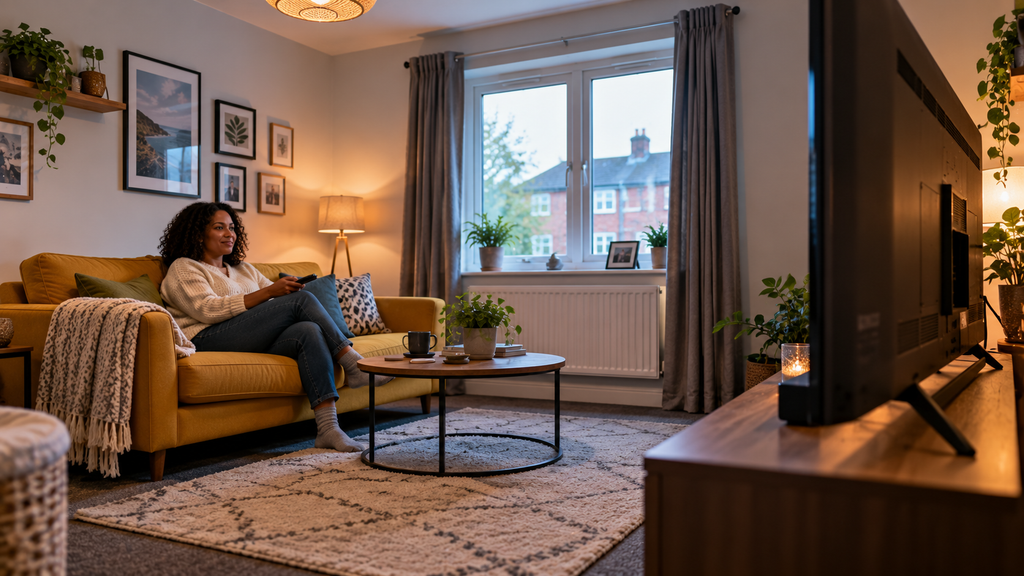
For many flats and compact homes, 55-Inch TVs are close to the largest screen size you can choose without making the room feel dominated by the television.
A typical 55-inch 16:9 screen is roughly 122cm wide, so the physical size is substantial even before you account for the stand.
That does not automatically make 55-Inch TVs unsuitable for smaller spaces.
What matters most is:
- Viewing distance
- Wall width
- Furniture layout
- Whether the TV is wall mounted
- How visually heavy the TV stand is
- Whether the room is used for several purposes
If your sofa sits around two metres or more from the screen, a 55-inch 4K television can feel surprisingly natural once you get used to it.
The bigger mistake is often buying a TV that technically fits on the wall but leaves no breathing room around it.
👀 What Is the Best Viewing Distance for a 55-Inch TV?
There is no single perfect distance because viewing preference varies.
For most 4K 55-Inch TVs, a seating distance of roughly 1.7 to 2.5 metres works well for everyday viewing.
At the closer end, films and games feel more immersive.
At the further end, the television feels less visually dominant in a smaller room.
If your sofa is much closer than around 1.5 metres, a 48-inch or 50-inch TV may feel more comfortable.
If you are sitting closer to three metres away, you may start to appreciate the extra scale of a 65-inch screen.
Sony’s official TV viewing distance guidance recommends sitting at least around 1 metre from a 55-inch 4K television, while personal comfort and room layout should also influence your final seating position.
🛋️ A Simple Rule for Small Rooms
Sit in your normal position and look at the wall where the television will go.
If a 122cm-wide rectangle still leaves sensible space around the screen, 55-Inch TVs should usually work.
If the display would almost touch shelving, door frames or both edges of the wall, it may be too large for the room even if the viewing distance is technically acceptable.
🏠 How to Position a 55-Inch TV in a Small Living Room
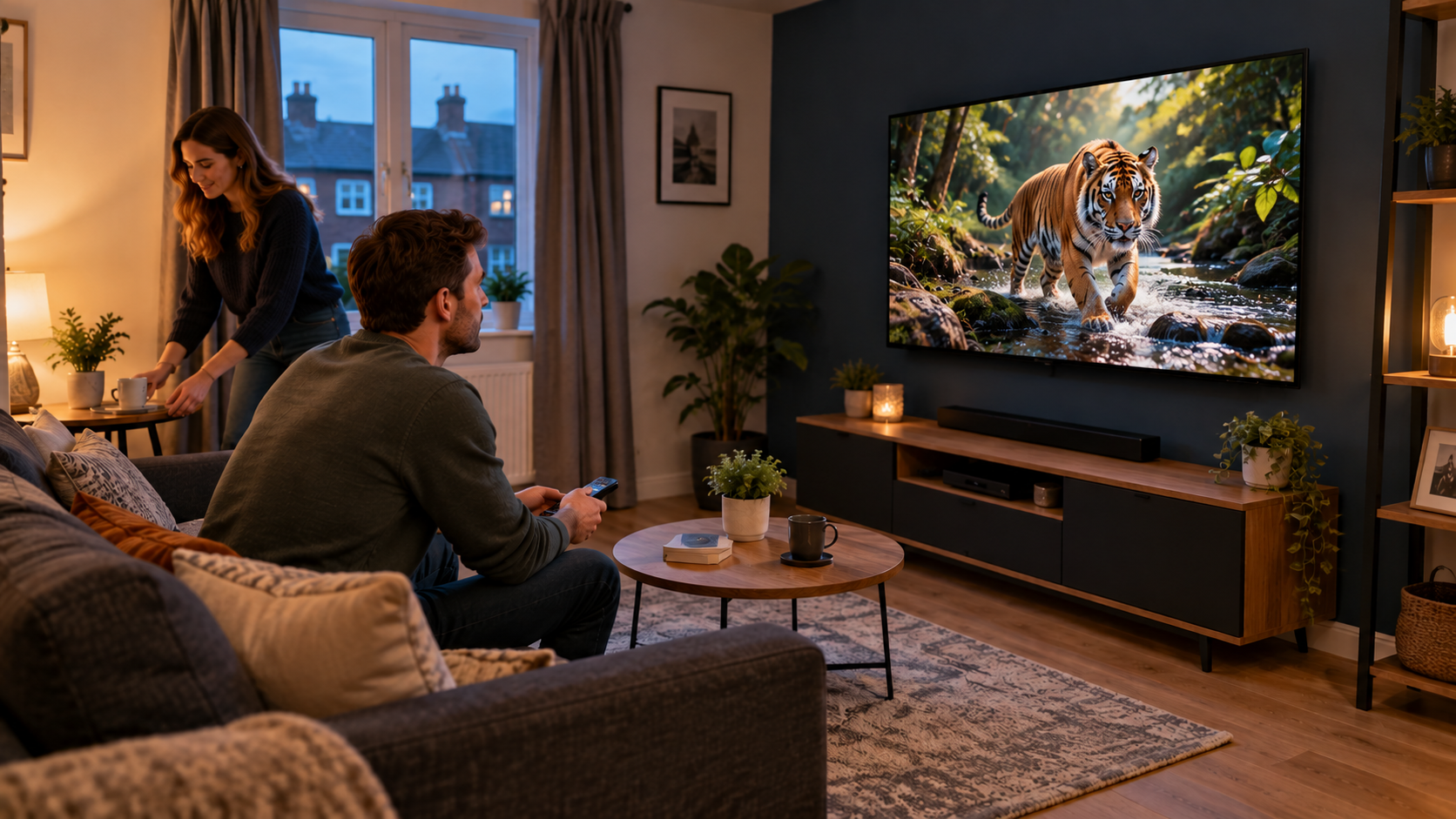
The placement of 55-Inch TVs can make the difference between a room that feels balanced and one that feels completely TV-dominated.
Try to position the centre of the screen reasonably close to seated eye level.
Mounting the television too high can become uncomfortable during longer viewing sessions.
Avoid placing 55-Inch TVs directly opposite a bright window where possible, particularly if the panel has a reflective finish.
Side-on daylight is often easier to manage with curtains or blinds.
If the room is narrow, try to keep the television on the shortest practical wall so the seating can face it naturally without blocking walkways.
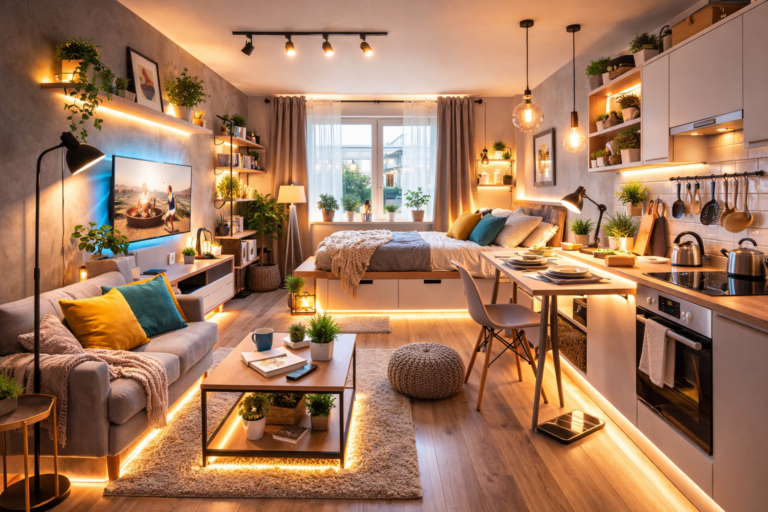
If your television shares one open-plan room with your bed, dining area or workspace, our guide on how to divide a studio flat explains practical ways to create clearer living zones.
🧱 Should You Wall Mount a 55-Inch TV?
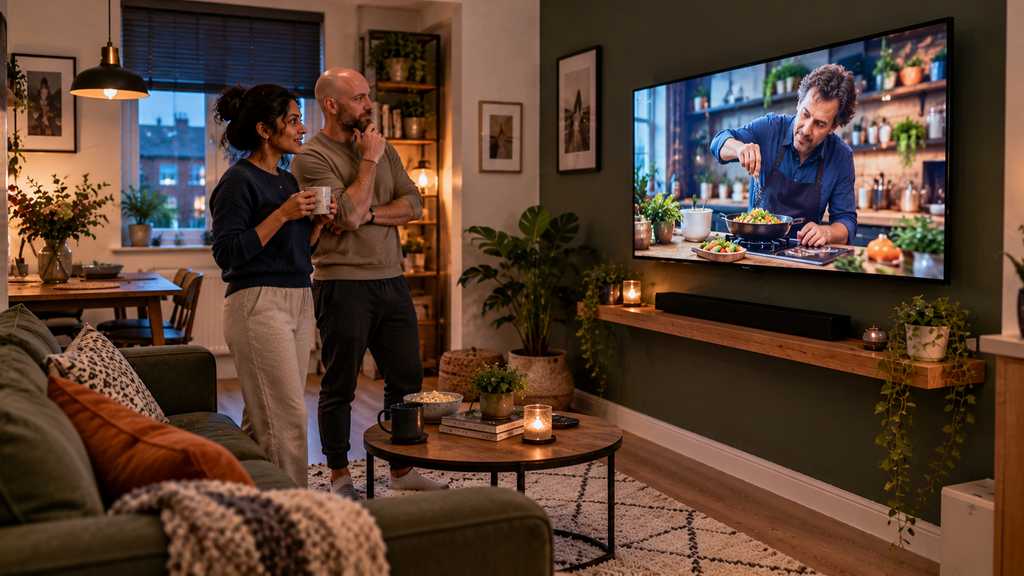
Wall mounting is one of the best ways to make 55-Inch TVs work in smaller living rooms.
Removing a deep television stand can free up floor space and make the room feel less cluttered.
A wall-mounted screen can also look visually lighter because you are not stacking a large television on top of bulky furniture.
Before mounting, check:
- TV weight
- VESA mounting pattern
- Wall construction
- Cable routes
- Power socket location
- Viewing height
- Whether the bracket tilts or swivels
Do not assume every internal wall can take the same fixing method.
Plasterboard, brick and block walls require different hardware.
For rented flats, also check what alterations are permitted before drilling.
If drilling into the wall is not an option, our best renter-friendly upgrades UK guide includes a freestanding floor TV stand that avoids permanent wall mounting.
📺 TV Stand vs Wall Mount: Which Is Better?
A stand is easier and gives you more flexibility.
You can reposition the television, hide devices inside a cabinet and move the entire setup if the furniture layout changes.
Wall mounting usually creates the cleaner result.
For compact rooms, the biggest advantage is recovering the depth normally occupied by the media unit.
If you keep 55-Inch TVs on furniture, choose a low, shallow console rather than a deep entertainment cabinet.
That prevents the television setup from protruding too far into the room.
🎨 How to Stop a 55-Inch TV Dominating the Room
Large black rectangles can feel visually heavy in small spaces.
There are a few ways to reduce that effect.
Keep the Media Unit Wider Than the TV
A media unit that is slightly wider than the screen helps the television look proportionate.
A very narrow cabinet beneath 55-Inch TVs can make the television appear top-heavy.
Avoid Excessive Clutter Around the Screen
Too many shelves, speakers, ornaments and cables can make the whole wall feel busy.
A simpler layout often helps a 55-inch screen blend into the room.
Use a Darker Feature Wall
A darker wall behind the television reduces the contrast between the black screen and the surrounding wall.
This can make 55-Inch TVs look less visually aggressive when switched off.
Hide the Cables
Visible power and HDMI cables immediately make a wall-mounted installation look untidy.
Cable trunking or concealed routing can make a noticeable difference.
🎬 Are 55-Inch TVs Good for Movies?
Yes.
Movies are one of the strongest reasons to choose this size.
55-Inch TVs are large enough to create a more cinematic image without requiring the room size associated with 65-inch or 75-inch screens.
For film viewing, prioritise:
- Good contrast
- Strong black levels
- Dolby Vision or HDR10+
- Accurate colour
- Effective motion processing
- A decent Filmmaker or Cinema mode
In this particular group, the Sony BRAVIA 3 is especially attractive for movie viewers because of Sony’s picture processing and Dolby Vision support.
The LG also makes a strong all-round option for mixed movie and streaming use.
🎮 Are 55-Inch TVs Good for Gaming?
Yes, especially for console gaming.
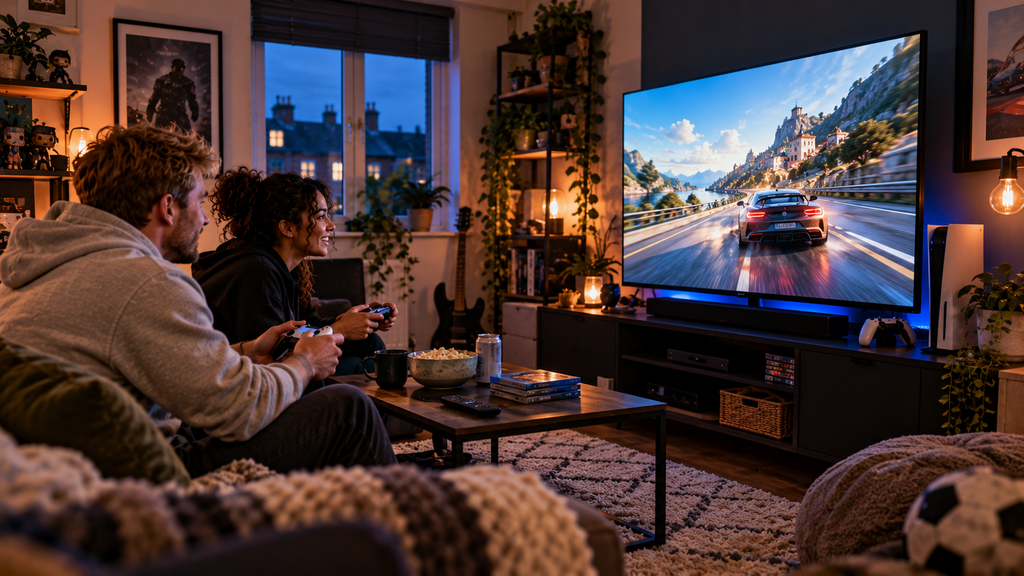
The size provides enough screen area to make racing games, shooters and open-world titles feel more immersive while remaining manageable in smaller rooms.
The key specification is not just screen size.
When comparing 55-Inch TVs for gaming, look for:
- Native refresh rate
- HDMI 2.1 features
- ALLM
- VRR
- Input lag
- Game mode
- HDR gaming support
A television advertised with a 120Hz gaming mode is not necessarily the same as a native 120Hz panel.
For example, Xiaomi’s Game Boost feature can offer enhanced motion support, but it should not be confused with a true native 120Hz television.
For serious PS5 or Xbox Series X gaming, our separate 120Hz-TV article will be the better place to compare genuinely high-refresh models.
🔊 Do You Need a Soundbar With a 55-Inch TV?
Not necessarily.
Most modern 55-Inch TVs are perfectly usable for everyday programmes, YouTube and casual streaming with their built-in speakers.
The problem is that slim televisions leave very little physical space for large speaker drivers.
That usually means:
- Limited bass
- Narrow soundstage
- Less impact in movies
- Dialogue that can sound thin at lower volumes
A compact soundbar can make a significant improvement without taking up much space.
For a small living room, you do not necessarily need a large surround-sound system.
A slim soundbar positioned beneath the screen is often enough.
If space around your television is limited, our guide to the best soundbars under 60cm wide UK compares models designed specifically for narrow TV units and compact rooms.
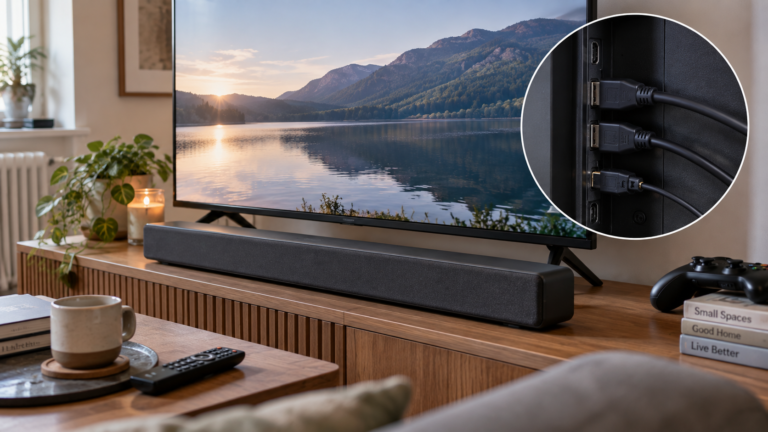
🔌 How Many HDMI Ports Do You Need?
For many households, three HDMI ports is workable.
Four is better if you have several devices.
Common connections include:
- Games console
- Soundbar
- Streaming box
- Blu-ray player
- Laptop
- TV recorder
If you use eARC for a soundbar, remember that one HDMI port may effectively be reserved for audio.
That can leave fewer free connections than the raw specification suggests.
This is worth checking carefully when comparing 55-Inch TVs.
📡 Which Smart TV Platform Is Best?
There is no universal winner.
The best choice depends on what services and devices you already use.
Reliable broadband matters just as much as the smart platform for 4K streaming, so compare our best WiFi routers for small flats UK if buffering or unstable connections are a problem.
LG webOS
webOS is clean, mature and easy to navigate.
It works particularly well for people who want a balanced smart-TV platform without being tied heavily to one ecosystem.
Samsung Tizen
Tizen offers a polished interface with a strong range of apps and Samsung’s broader smart-home integration.
Google TV
Google TV is especially good at combining recommendations from multiple streaming services.
It also integrates naturally with Google Assistant and compatible Android devices.
Fire TV
Fire TV is a strong choice if you already use Prime Video, Echo speakers or Alexa.
It can feel busier than some rivals, but its streaming support is excellent.
When choosing between 55-Inch TVs, the smart platform should matter almost as much as the panel if you spend most of your time streaming.
📺 What Is Freely and Is It Worth Having?
Freely is a UK streaming-based television platform designed to deliver live and on-demand television through broadband.
That means compatible TVs can access supported channels without relying on a traditional aerial connection.
This can be particularly useful in flats where aerial sockets are poorly positioned or unavailable.
Among the 55-Inch TVs in this guide, the Hisense 55E6QTUK is attractive partly because of its Freely support.
For renters and modern apartments, that can be a genuine convenience feature rather than just another specification.
You can read more about how Freely works on the official Freely website, including its live and on-demand television service delivered through broadband.
🌞 What About Bright Rooms?
If your living room gets a lot of daylight, brightness and reflection handling become important.
A television that looks excellent in a dark showroom can lose impact when sunlight hits the screen.
For bright rooms, look for:
- Higher peak brightness
- Effective anti-reflection treatment
- Strong contrast
- Good colour saturation
Positioning also matters.
Even the best 55-Inch TVs can struggle if placed directly opposite a bright south-facing window.
Curtains, blinds or simply shifting the screen slightly can make a bigger difference than expected.
🌙 What About Evening Viewing?
For evening viewing, contrast and black level become more noticeable.
Dark scenes expose the weaknesses of basic LED panels more clearly.
This is where OLED and Mini LED televisions generally outperform simpler LCD models.
The products in this guide are aimed more at mainstream all-round value than ultimate picture quality.
Our upcoming OLED, QLED and Mini LED articles will cover those technologies in more depth.
🖼️ OLED vs QLED vs LED: What Should You Choose?
For this particular article, the seven products cover mainly mainstream LED-based televisions rather than premium OLEDs.
Still, the distinction matters when comparing 55-Inch TVs.
OLED
OLED can switch individual pixels off completely.
That gives excellent black levels and contrast.
It is usually the strongest option for films and dark-room viewing.
QLED
QLED televisions use quantum-dot technology to improve colour and brightness.
They can work particularly well in brighter rooms.
Mini LED
Mini LED uses much smaller backlight zones than traditional LED televisions.
This can improve brightness and contrast significantly.
Standard LED
Standard LED remains the most affordable option.
For everyday streaming and television, it can still provide very good value.
⚠️ Common Mistakes When Buying 55-Inch TVs
1. Buying by Brand Alone
Every manufacturer produces both stronger and weaker ranges.
Compare the exact model, not just the logo.
2. Assuming All 120Hz Claims Mean Native 120Hz
They do not.
Motion processing and game-boost modes can be marketed with high refresh-rate numbers even when the panel itself runs at 60Hz.
3. Ignoring Stand Width
The television may fit your wall but not your existing cabinet.
Always check the distance between the feet.
4. Mounting Too High
A television above a fireplace can look neat in photographs but may force you to look upwards for hours.
5. Forgetting About Sound
Picture quality gets most of the attention, but poor dialogue clarity becomes irritating quickly.
6. Choosing Too Large a TV for the Wall
55-Inch TVs need visual breathing room.
A screen that nearly fills the entire wall can make a small room feel cramped.
7. Buying an Older Model by Accident
TV model numbers can be extremely similar between years.
Always check the exact code and production generation.
🛒 What to Check Before Ordering From Amazon
When buying 55-Inch TVs online, check more than just the headline price.
Confirm:
- Exact model number
- Current seller
- Fulfilment method
- Return terms
- Delivery service
- Whether delivery includes room-of-choice service
- Any visible damage warnings
- Current featured offer
- Warranty information
Televisions are large, fragile products.
The cheapest listing is not always the best listing if the seller or delivery arrangement looks weak.
🤔 55-Inch TVs: Frequently Asked Questions
Is 55 inches too big for a small living room?
Not necessarily.
For many compact living rooms, 55-Inch TVs work very well if the sofa is around two metres or more from the screen and the wall has enough space around the television.
If 55 inches feels too dominant for your room, our guide to the best 43-inch 4K TVs UK covers a more compact alternative without giving up 4K resolution.
How far should I sit from a 55-inch 4K TV?
Around 1.7 to 2.5 metres is a sensible range for many viewers.
Your own preference still matters.
Can a 55-inch TV fit in a studio flat?
Yes, particularly if it is wall mounted.
The important part is making sure the television does not block storage, doors or walking routes.
For bedrooms, kitchens or exceptionally restricted spaces, our best 24-inch smart TVs UK guide covers genuinely compact alternatives.
Is 55 inches good for gaming?
Yes.
55-Inch TVs provide a strong balance between immersion and manageable room size.
For competitive gaming, prioritise refresh rate and VRR support.
Do I need native 120Hz?
Only if high-frame-rate gaming matters to you.
For streaming, films and ordinary television, a 60Hz panel is perfectly adequate.
Is a 55-inch OLED worth it?
If picture quality is the priority, potentially yes.
OLED offers better blacks and contrast than most basic LED televisions.
It usually costs more.
Should I buy a 55-inch or 65-inch TV?
Choose 55 inches if your room is smaller, your viewing distance is around two metres or you want the television to feel less dominant.
A 65-inch screen makes more sense when the seating distance is longer and the wall can comfortably accommodate it.
Are 55-Inch TVs difficult to wall mount?
Not usually, but they are still large appliances.
The television weight, wall structure and bracket rating all need to match.
Two people are strongly preferable when physically lifting the TV onto the bracket.
Do smart TVs still need a streaming stick?
Usually not.
Most modern 55-Inch TVs include the major streaming apps.
A separate stick can still be useful if you strongly prefer another operating system.
🏁 Final Verdict: Which 55-Inch TV Should You Buy?
For most people, our top choice remains the LG 55NU800B6LA Nano UHD AI NU80.
It combines strong 4K picture processing, webOS 26, useful gaming features, VRR support and a relatively manageable chassis.
That balance makes it particularly suitable for smaller living rooms where the television needs to work equally well for streaming, films, sport and casual gaming.
If films are your main priority, the Sony BRAVIA 3 K-55S3 is the more attractive choice thanks to Sony’s picture processing and Dolby Vision support.
If smart-TV software matters most, the Samsung U7020H is easy to recommend.
For lower-cost gaming, the Xiaomi TV F 55 2026 delivers an interesting feature set, while the Amazon Ember 4-Series makes sense for households already heavily invested in Fire TV and Alexa.
The Hisense 55E6QTUK is particularly appealing for Freely, and the TCL 55V6D-UK rounds out the group as a feature-rich budget option.
The best 55-Inch TVs for small living rooms are not necessarily the most expensive.
They are the models that give you enough screen size to feel cinematic while still fitting naturally into the room.
For that overall balance, LG 55NU800B6LA is our winner.