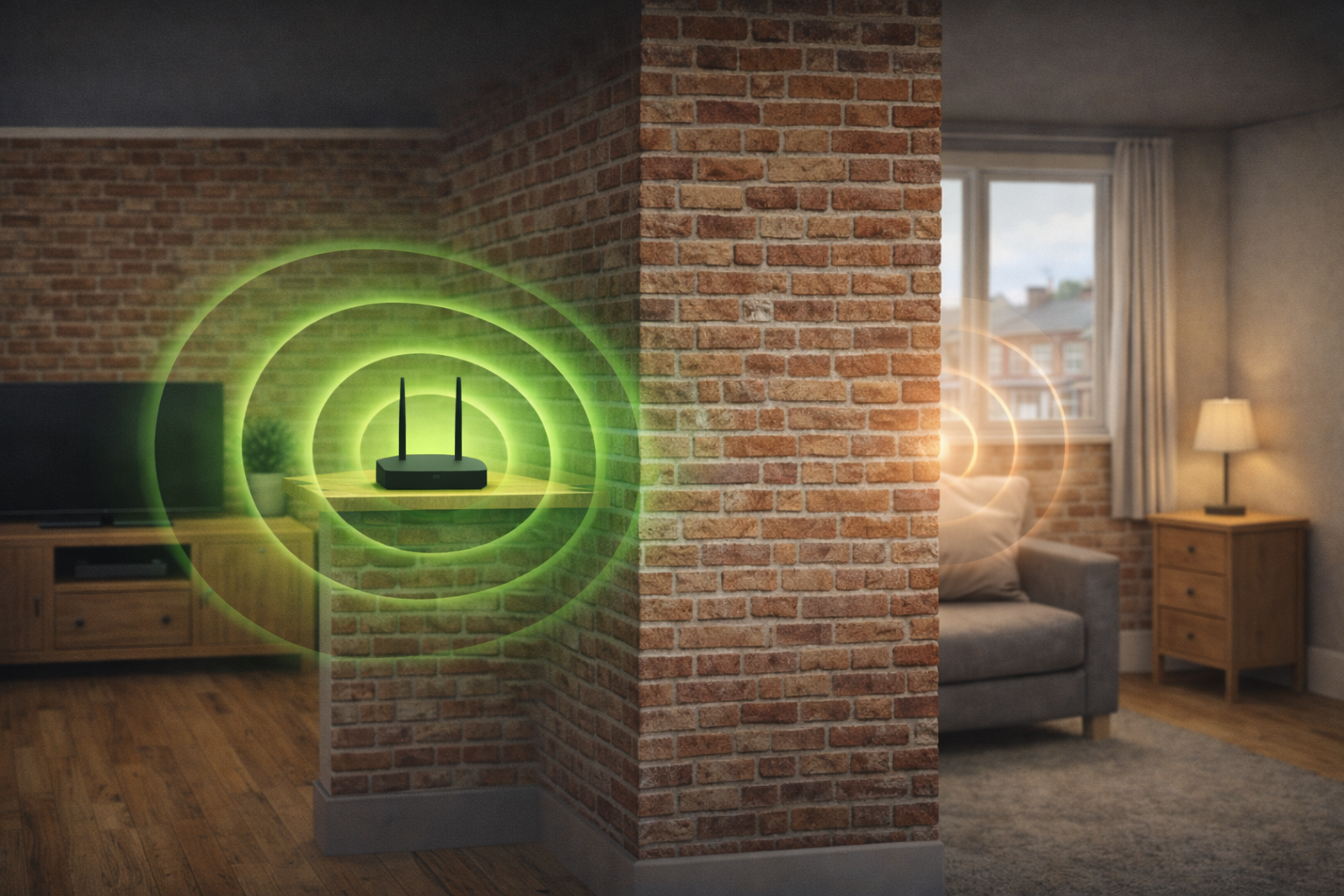
Why WiFi Struggles Through Thick Walls UK (2026) – 7 Key Reasons Explained
🧱 Why WiFi Struggles Through Thick Walls UK – The Real Reason
If your internet slows down in certain rooms, you might be wondering why WiFi struggles through thick walls UK.
This is one of the most common issues in UK homes, especially in older buildings with solid brick or concrete construction.
For the best overall solution, see the best WiFi routers for thick walls UK for stronger and more reliable coverage.
The problem isn’t your internet speed — it’s how WiFi signals behave.
📡 1. WiFi Signals Are Easily Blocked
WiFi works by sending radio signals through the air.
👉 Unlike wired connections:
- Signals weaken over distance
- They are easily blocked by solid objects
👉 Thick walls act as a barrier:
- Absorbing signal
- Reducing strength
- Causing dropouts
For practical fixes, see how to boost WiFi signal through walls UK for methods that actually work.
🧱 2. Brick and Concrete Absorb Signal
Most UK homes use materials that are difficult for WiFi to pass through.
👉 Common materials:
- Brick
- Concrete
- Stone
👉 These materials:
- Absorb radio waves
- Reduce signal range
- Create dead zones
To improve your setup, this guide on best place to put router for thick walls UK shows the optimal positioning.
📉 3. Signal Strength Drops With Each Wall
Every wall your WiFi signal passes through weakens it.
👉 One wall = minor drop
👉 Multiple thick walls = major signal loss
👉 This is why:
- Speeds drop in distant rooms
- Streaming buffers
- Connections become unstable
If you’re considering extenders, see do WiFi extenders work through thick walls UK for the honest answer.
⚡ 4. 5GHz Signals Struggle More Than 2.4GHz
Modern routers use two main bands:
👉 5GHz
- Faster speeds
- Poor wall penetration
👉 2.4GHz
- Slower speeds
- Better at passing through walls
👉 In thick wall homes:
2.4GHz often performs better at distance.
If you’re comparing solutions, this guide on mesh vs WiFi extender for thick walls UK explains which setup works best.
📦 5. Router Placement Makes It Worse
Even a good router won’t perform well if placed poorly.
👉 Common mistakes:
- Placing it in a corner
- Hiding it in cupboards
- Positioning it behind thick walls
👉 This increases:
- Signal blockage
- Dead zones
- Performance issues
If your connection drops in certain areas, see why is my WiFi so slow in one room UK.
📡 6. Interference From Other Devices
WiFi signals can also be disrupted by:
👉 Devices like:
- Microwaves
- TVs
- Bluetooth devices
👉 Combined with thick walls:
This makes signal even weaker and less reliable.
🧠 7. One Router Isn’t Enough for Thick Walls
Many homes rely on a single router.
👉 But in thick wall homes:
- One signal source isn’t enough
- Coverage becomes uneven
👉 This is why:
- Some rooms work perfectly
- Others have no signal at all
🧠 How to Fix WiFi Issues in Thick Wall Homes
Now you understand why WiFi struggles through thick walls UK, the next step is fixing it.
👉 Key solutions:
- Place your router centrally and elevated
- Use 2.4GHz for better range
- Avoid thick walls between router and devices
- Consider a mesh WiFi system for full coverage
For general fixes, read how to fix slow WiFi in a small flat UK.
📶 Does Router Quality Matter With Thick Walls?
Understanding why WiFi struggles through thick walls UK also comes down to the router you’re using.
👉 A better router can:
- Produce a stronger signal
- Handle interference more effectively
- Maintain more stable connections
👉 However:
Even the best router will still struggle if:
- It’s placed poorly
- It has to pass through multiple thick walls
👉 This is why:
- Placement + setup matters just as much as the router itself
- In many cases, upgrading to a mesh system provides better overall coverage
🏆 Final Verdict
👉 Why WiFi struggles through thick walls UK?
✔️ Signals are blocked and absorbed
✔️ Materials reduce range
✔️ Placement and setup make it worse
👉 Key takeaway:
Thick walls are one of the biggest causes of poor WiFi — but with the right setup, you can still achieve strong, reliable coverage
For general advice on WiFi performance and interference, refer to Ofcom guidance.