7 Easy Fixes: How To Stop WiFi Interference In Flats UK
📶 How To Stop WiFi Interference In Flats UK
If you’re searching for how to stop WiFi interference in flats UK, you’re probably dealing with:
- Slow internet during evenings
- Random buffering
- WiFi dropping in certain rooms
- Lag during gaming
- Unstable video calls
- Poor speeds despite “full bars”
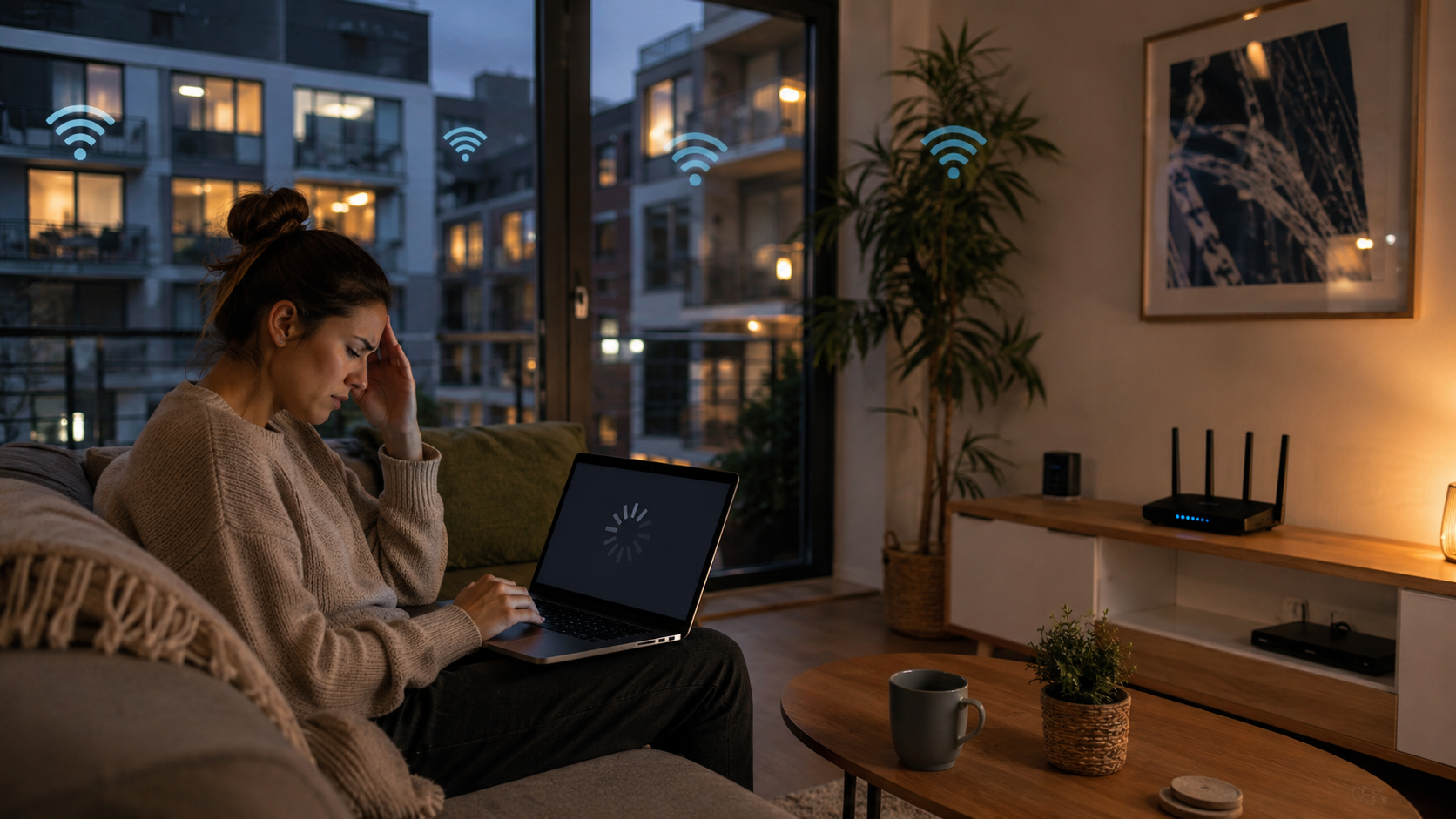
WiFi interference is extremely common in UK flats and apartment buildings because so many nearby routers compete for the same wireless space.
For the complete guide to improving connectivity in smaller homes, read wifi in small flats uk
Learning how to stop WiFi interference in flats UK can dramatically improve streaming, gaming and overall internet stability in apartment buildings.
🔥 QUICK PICKS
- Best Overall Mesh WiFi: Check Latest Price on Amazon ➜
- Best Budget Router Upgrade: Check Latest Price on Amazon ➜
- Best For Apartment WiFi: Check Latest Price on Amazon ➜
- Best Premium WiFi Setup: Check Latest Price on Amazon ➜
Affiliate Disclosure: This article contains affiliate links. If you click a link and make a purchase, we may earn a small commission at no extra cost to you.
| WiFi Fix | Best For | Difficulty | Main Benefit |
|---|---|---|---|
| Change WiFi Channel | Crowded apartment networks | Easy | Reduced interference |
| Use 5GHz Band | Devices near router | Easy | Faster cleaner signal |
| Separate WiFi Bands | Busy households | Medium | Better device control |
| Improve Router Placement | Weak signal rooms | Easy | Better coverage |
| Upgrade ISP Router | Older WiFi setups | Easy | Stronger wireless performance |
| Add Mesh WiFi | Larger flats | Medium | More stable coverage |
| Reduce Device Clutter | Smart-home heavy flats | Easy | Less signal congestion |
| Use Ethernet For Gaming | Gaming & streaming | Medium | Lower latency |
🏢 Why WiFi Interference Happens In Flats
Unlike detached houses, flats often have:
- Dozens of nearby routers
- Shared walls
- Dense layouts
- Multiple overlapping WiFi channels
- Heavy evening internet usage
Your router may be competing with:
- Neighbours
- Smart TVs
- Wireless speakers
- Bluetooth devices
- Baby monitors
- Microwaves
👉 Apartment WiFi environments are often extremely crowded.
For interference-related slowdown advice, read why is wifi worse at night in flats uk
📡 2.4GHz Congestion Is Very Common
The 2.4GHz band travels well through walls, but it also becomes crowded very quickly in flats.
This can lead to:
- Slow downloads
- Buffering streams
- Gaming lag
- Random signal drops
- Poor smart device response
Many apartment buildings have dozens of routers all fighting for limited channel space.
👉 This is one reason WiFi often feels worse at night.
For dual-band performance advice, read 2.4ghz vs 5ghz for thick walls uk
⚡ 5GHz Can Sometimes Work Better
While 5GHz struggles more through walls, it is often less congested.
In many UK flats:
- 2.4GHz = stronger range
- 5GHz = cleaner signal
This means devices close to your router may perform much better on 5GHz.
Benefits can include:
- Faster speeds
- Lower latency
- Less neighbour interference
- More stable streaming
👉 Using both WiFi bands properly can make a huge difference.
🔄 Changing WiFi Channels Can Help
Many routers automatically choose crowded channels.
Changing to cleaner channels can sometimes instantly improve performance.
For 2.4GHz, the best channels are usually:
- Channel 1
- Channel 6
- Channel 11
These channels overlap the least.
👉 Small router adjustments can sometimes fix major WiFi issues.
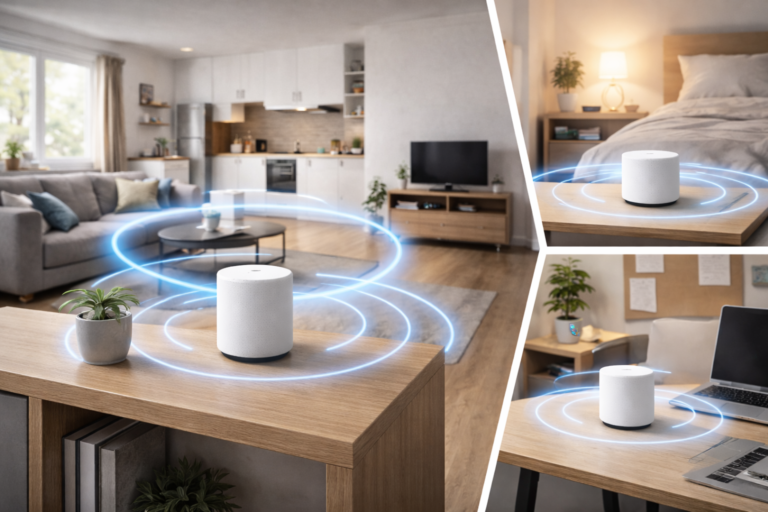
🚪 Router Placement Matters More Than People Think
One of the worst things you can do is hide the router.
Common bad placements include:
- Behind TVs
- Inside cabinets
- On the floor
- Beside thick walls
- Near metal objects
For better signal:
- Place the router higher up
- Keep it in open space
- Avoid corners
- Move it away from electronics
👉 Better placement often reduces interference naturally.
For router placement advice, read best place to put router for thick walls uk
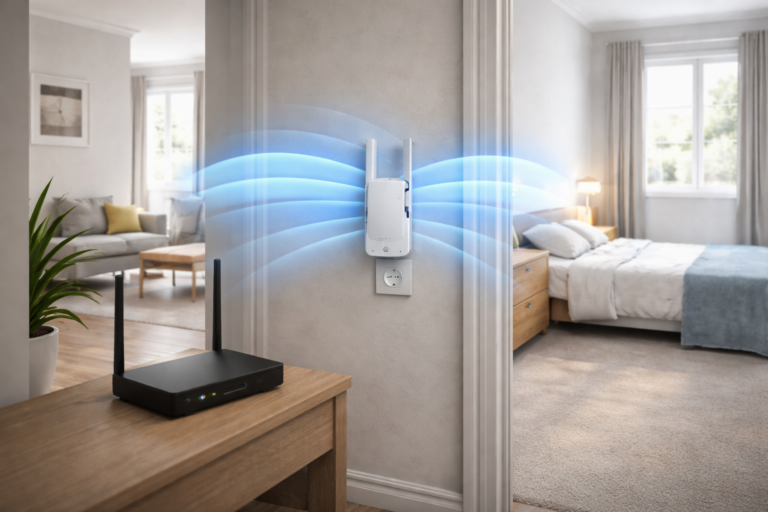
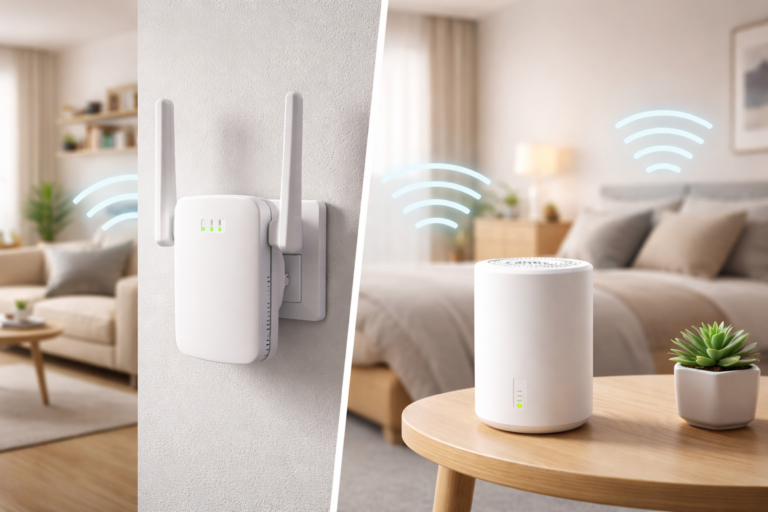
📶 Mesh WiFi Can Reduce Flat WiFi Problems
If interference is affecting multiple rooms, mesh WiFi is often the best long-term solution.
Mesh systems help by:
- Spreading coverage evenly
- Reducing dead zones
- Improving roaming
- Handling multiple devices better
- Creating more stable connections
This is especially useful in:
- Large flats
- Older buildings
- Thick-wall properties
- Multi-room apartments
👉 Mesh WiFi is often far more stable than cheap extenders.
For mesh coverage guidance, see best mesh wifi for thick walls uk
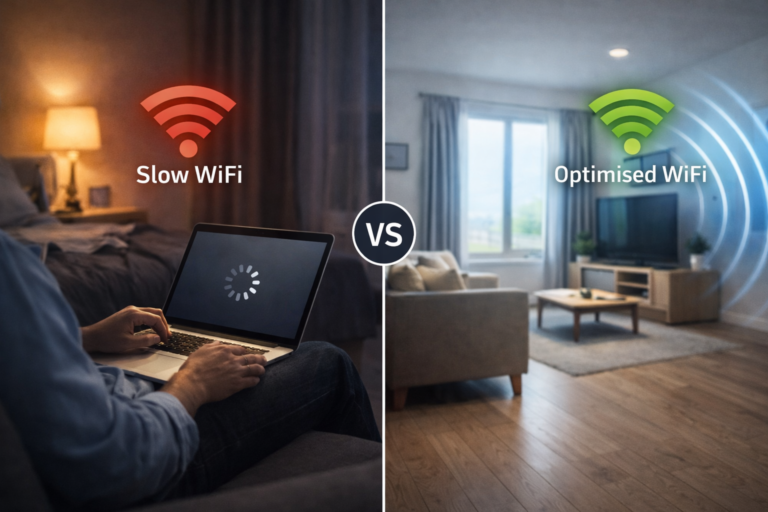
🌃 Why WiFi Gets Worse In The Evening
Many people notice:
- buffering at night
- gaming lag after work hours
- unstable streaming in evenings
This usually happens because neighbouring networks become busier.
Apartment buildings can experience huge spikes in wireless traffic between:
- 6pm–11pm
👉 Evening congestion is extremely common in flats.
If you are searching for how to stop WiFi interference in flats UK, the biggest issue is usually overcrowded wireless networks inside apartment buildings. Too many nearby routers competing for the same channels can massively reduce WiFi stability and speeds.
🚀 How To Stop WiFi Interference In Flats UK Quickly
If your WiFi constantly struggles, the best fixes are usually:
- Move the router
- Separate 2.4GHz and 5GHz bands
- Change WiFi channels
- Upgrade old ISP routers
- Add mesh WiFi coverage
👉 Most flats can dramatically improve WiFi without changing broadband provider.
For apartment WiFi improvement tips, read how to improve wifi in an apartment building uk
🏆 Final Verdict
So, how do you stop WiFi interference in flats UK?
Usually by:
- reducing wireless congestion
- improving router placement
- using better WiFi channels
- separating frequency bands
- upgrading weak routers
Interference is one of the biggest causes of unstable WiFi in UK apartments and flats.
For most apartment buildings, learning how to stop WiFi interference in flats UK is one of the fastest ways to improve weak or unstable wireless connections.
For broadband and wireless advice, see Ofcom