7 Best 120Hz TVs UK 2026: Smooth Picks for PS5 & Xbox
Faster motion, smoother console gaming and room-friendly screen sizes
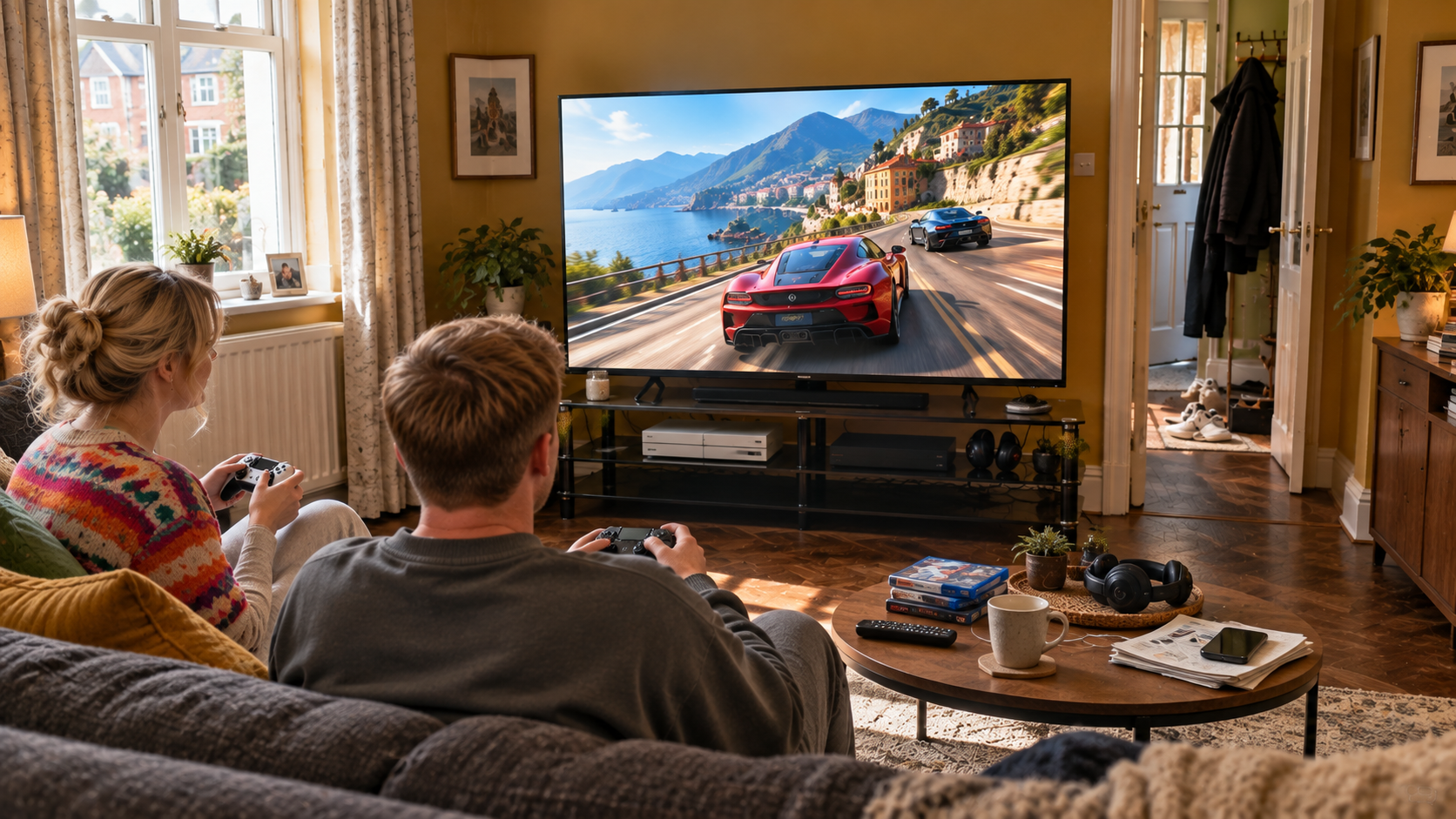
The best 120Hz TVs can make PS5, Xbox Series X and fast-moving sport feel noticeably smoother than standard 60Hz televisions. They are especially useful for games that support 120 frames per second, while features such as VRR and ALLM can make controls feel more responsive and reduce visible tearing when frame rates fluctuate.
For this guide, we compared 120Hz TVs across native refresh rate, 4K/120 support, VRR, HDMI connectivity, HDR performance, screen size and overall value. Because Small Living Solutions focuses on compact homes, we have also prioritised 120Hz TVs that offer genuine high-refresh performance without automatically forcing you into an enormous screen. That matters because the best 120Hz TVs should feel fast and immersive without making a modest room awkward to live in.
⚡ Quick Picks
LG OLED48C55LA C5 — Best Overall
![LG OLED48C55LA 48-Inch OLEDevo 4K UHD Smart TV, (α9 AI Processor, Dolby Atmos, Freeview Play and Amazon Alexa, 120Hz) [Model 2025]](https://m.media-amazon.com/images/I/41dTzSbiW-L._SL160_.jpg)
Sony BRAVIA 8A 55XR8A — Best for PS5
No products found.
Philips 55OLED760 — Best for Ambilight Gaming
Panasonic W85B 43 — Best Compact 120Hz TV

Samsung S84F 55 — Best Samsung 120Hz TV
Hisense 65A85QTUK A85Q — Best Big-Screen OLED

TCL 55T6C-UK — Best Value QLED

Affiliate disclosure: This article contains Amazon affiliate links. If you click one of these links and make a qualifying purchase, I earn a commission at no extra cost to you. As an Amazon Associate I earn from qualifying purchases.
🏆 OUR TOP PICK: LG OLED48C55LA C5
The LG C5 48-inch takes our top spot because it combines the performance expected from premium 120Hz TVs with a screen size that is unusually easy to accommodate in a smaller UK living room. Its OLED panel delivers perfect blacks and very fast pixel response, while its native 120Hz panel supports gaming features that make it particularly well suited to PS5, Xbox Series X and PC use.
It is also one of the most flexible 120Hz TVs here for households with several gaming devices because all four HDMI inputs support 4K/120Hz. VRR support extends beyond 120Hz for compatible PC gaming, while LG’s Game Optimizer keeps the main settings easy to reach.
CHECK LATEST PRICE ON AMAZON →
📊 120Hz TVs Comparison Table
| Product | Best For | Key Spec | Main Advantage | Possible Drawback | Check Latest Price |
|---|---|---|---|---|---|
| LG OLED48C55LA C5 | Best Overall | 48″, native 120Hz OLED | Four HDMI 2.1 ports and superb response | No Featured Offer when last checked | CHECK LATEST PRICE ON AMAZON → |
| Sony BRAVIA 8A 55XR8A | Best for PS5 | 55″, native 120Hz OLED | Excellent PlayStation integration and OLED picture | More expensive than value-led rivals | CHECK LATEST PRICE ON AMAZON → |
| Philips 55OLED760 | Best for Ambilight Gaming | 55″, native 120Hz OLED | OLED response plus Ambilight | 4K gaming tops out at 120Hz | CHECK LATEST PRICE ON AMAZON → |
| Panasonic W85B 43 | Best Compact 120Hz TV | 43″, native 120Hz QLED | Rare genuine 120Hz performance at 43 inches | Smaller screen is less cinematic | CHECK LATEST PRICE ON AMAZON → |
| Samsung S84F 55 | Best Samsung 120Hz TV | 55″, 120Hz OLED | Strong motion and Samsung gaming features | No Dolby Vision | CHECK LATEST PRICE ON AMAZON → |
| Hisense 65A85QTUK A85Q | Best Big-Screen OLED | 65″, native 120Hz OLED | Large OLED image with strong gaming support | 65 inches needs more space | CHECK LATEST PRICE ON AMAZON → |
| TCL 55T6C-UK | Best Value QLED | 55″, 120Hz-class QLED | Strong value and Dolby Vision | Native refresh wording is less clear from TCL | CHECK LATEST PRICE ON AMAZON → |
🥇 LG OLED48C55LA C5 — Best Overall
Among the 120Hz TVs in this guide, the LG C5 is the strongest all-round choice for a genuinely compact gaming setup. At 48 inches, it is easier to position than the 55 and 65-inch models while still providing enough screen area for immersive console gaming.
The native 120Hz OLED panel combines excellent motion clarity with near-instant pixel response. For gaming, it also supports VRR, ALLM, G-Sync and FreeSync, while all four HDMI inputs can handle 4K/120Hz signals. That makes it unusually accommodating if you own more than one console or also connect a gaming PC, which is one reason it stands above many rival 120Hz TVs.
✅ What We Like
- Native 120Hz OLED panel.
- Four HDMI inputs support 4K/120Hz.
- Excellent response time and perfect black levels.
- VRR support gives PC gamers additional flexibility.
- One of the most space-efficient premium 120Hz TVs.
⚠️ What Could Be Better
- Amazon showed no Featured Offer when last checked.
- OLED pricing remains higher than many conventional LED alternatives.
👤 Who Is It Best For?
Choose the LG C5 if you want premium console and PC gaming performance but do not want a 55 or 65-inch television dominating the room.
CHECK LATEST PRICE ON AMAZON →
🎮 Sony BRAVIA 8A 55XR8A — Best for PS5
The Sony BRAVIA 8A is one of the most appealing 120Hz TVs for PlayStation owners. Its native 120Hz OLED panel supports 4K/120 gaming, while Sony’s PS5-focused features help optimise HDR and picture settings when the console is connected.
OLED contrast is particularly effective in cinematic games, where deep blacks and bright highlights can make dark interiors and atmospheric scenes look more convincing. The 55-inch size also strikes a useful balance between immersion and practicality, especially for buyers comparing premium 120Hz TVs for smaller lounges.
✅ What We Like
- Native 120Hz OLED panel.
- Strong PS5 integration.
- Excellent contrast and fast response.
- High-quality processing for games, films and streaming.
- One of the best 120Hz TVs for mixed PS5 and movie use.
⚠️ What Could Be Better
- Usually priced above mainstream QLED options.
- Buyers focused purely on competitive gaming may find cheaper high-refresh alternatives.
👤 Who Is It Best For?
It is best for PS5 owners who want excellent gaming performance without compromising film and streaming picture quality.
CHECK LATEST PRICE ON AMAZON →
🌈 Philips 55OLED760 — Best for Ambilight Gaming
The Philips 55OLED760 brings something visually different to the 120Hz TVs in this ranking. Its OLED panel provides perfect blacks and quick pixel response, while Ambilight projects colours beyond the screen to create a more immersive evening gaming experience.
The television supports VRR, ALLM, FreeSync Premium and G-Sync compatibility. At 4K, gaming tops out at 120Hz, which is exactly what PS5 and Xbox Series X are designed to exploit in supported titles. Among OLED 120Hz TVs, that still makes it a highly capable console choice.
If OLED picture quality is your priority, our guide to the best 55-inch OLED TVs UK compares more premium options for compact and medium-sized living rooms.
✅ What We Like
- Native 120Hz OLED panel.
- Ambilight adds atmosphere without separate lighting equipment.
- VRR and ALLM support.
- FreeSync Premium and G-Sync compatibility.
- Strong alternative among OLED 120Hz TVs.
⚠️ What Could Be Better
- 4K gaming does not extend beyond 120Hz.
- Ambilight will not appeal to everyone.
👤 Who Is It Best For?
Choose the Philips if you mostly game in the evening and want OLED performance with an extra layer of visual immersion.
CHECK LATEST PRICE ON AMAZON →
📐 Panasonic W85B 43 — Best Compact 120Hz TV
The Panasonic W85B is one of the most interesting 120Hz TVs in this entire article because it delivers a genuine native 120Hz panel at just 43 inches. That makes it particularly useful for bedrooms, studio flats and small living rooms where even a 55-inch screen may feel excessive.
Its QLED panel supports 4K resolution, while Panasonic’s Game Mode Extreme is aimed directly at low-latency gaming. Fire TV is built in, and Dolby Vision and HDR10+ give it a broad HDR feature set for streaming as well as consoles. Few compact 120Hz TVs combine this size with such a complete specification.
✅ What We Like
- Genuine native 120Hz performance at only 43 inches.
- Excellent fit for genuinely small rooms.
- 4K QLED panel.
- Game Mode Extreme.
- One of the rare compact 120Hz TVs that does not rely on a boosted 60Hz mode.
⚠️ What Could Be Better
- 43 inches is less immersive for players sitting farther away.
- Buyers with a larger lounge may prefer a 48 or 55-inch screen.
👤 Who Is It Best For?
It is ideal for bedrooms, studio flats and anyone who specifically wants genuine 120Hz gaming without moving up to a large television.
CHECK LATEST PRICE ON AMAZON →
📺 Samsung S84F 55 — Best Samsung 120Hz TV
The Samsung S84F gives buyers another strong OLED option among these 120Hz TVs. Its 55-inch screen combines 120Hz motion with Samsung’s gaming features and OLED contrast, making it suitable for both fast console games and cinematic single-player titles.
Samsung’s smart platform and gaming interface are particularly useful for households already using the brand’s ecosystem. Motion handling is strong, and the television’s OLED panel helps dark scenes retain excellent contrast. It is also one of the easier premium 120Hz TVs to recommend to buyers already invested in Samsung devices.
✅ What We Like
- 120Hz OLED panel.
- Excellent blacks and fast pixel response.
- Samsung’s gaming interface is convenient.
- Strong motion performance for games and sport.
- Well-rounded option among 55-inch 120Hz TVs.
⚠️ What Could Be Better
- Samsung does not support Dolby Vision.
- Some buyers may prefer the broader HDMI flexibility of the LG C5.
👤 Who Is It Best For?
Choose the Samsung if you want 120Hz OLED gaming and already prefer Samsung’s smart-TV ecosystem.
CHECK LATEST PRICE ON AMAZON →
🖥️ Hisense 65A85QTUK A85Q — Best Big-Screen OLED
The Hisense A85Q is the largest of these 120Hz TVs, pairing a native 120Hz OLED panel with a 65-inch screen. For households with enough viewing distance, it offers a much more cinematic gaming experience than the compact options higher in the ranking.
Gaming features include FreeSync Premium, Game Mode Pro and support for Dolby Vision Gaming and HDR10+ Gaming. Four HDMI 2.1 connections also make it easier to build a multi-device setup around the television, which is a useful advantage over some 120Hz TVs with fewer high-bandwidth inputs.
The trade-off is simply physical size. A 65-inch screen can work in a smaller lounge, but it needs careful measurement and a sensible viewing distance.
✅ What We Like
- Native 120Hz OLED panel.
- Excellent black levels and response.
- FreeSync Premium and Game Mode Pro.
- Four HDMI 2.1 connections.
- One of the most cinematic 120Hz TVs here.
⚠️ What Could Be Better
- 65 inches is too large for some compact rooms.
- Requires more wall width and viewing distance than the other picks.
👤 Who Is It Best For?
Choose the Hisense if you have enough room for 65 inches and want a large OLED primarily for console gaming, films and streaming.
CHECK LATEST PRICE ON AMAZON →
💷 TCL 55T6C-UK — Best Value QLED
The TCL 55T6C-UK is the value-focused option in our selection of 120Hz TVs. Its 55-inch QLED panel, Dolby Vision support and Fire TV platform give it a broad everyday feature set without demanding OLED-level spending.
Amazon and retailer listings advertise 120Hz capability, although TCL’s own UK product page is less explicit about the native panel refresh rate. For that reason, we would avoid describing it as definitively native 120Hz until the manufacturer documentation is clearer.
For more affordable quantum-dot alternatives, our guide to the best QLED TVs UK compares models across different sizes and budgets.
That caveat aside, it remains an attractive option for buyers who want smooth gaming features, strong colour and straightforward streaming at a more accessible price.
✅ What We Like
- Strong value for a 55-inch QLED.
- Dolby Vision support.
- Fire TV makes streaming straightforward.
- Good option for console-focused households.
- One of the more affordable 120Hz TVs in this group.
⚠️ What Could Be Better
- TCL’s own UK documentation is not as clear about native refresh rate as we would like.
- Picture processing is less premium than the LG, Sony or Samsung models.
👤 Who Is It Best For?
It suits buyers who want a 55-inch high-refresh television at a lower price and do not need OLED-level black performance.
CHECK LATEST PRICE ON AMAZON →
🧠 How We Chose the Best 120Hz TVs
We ranked these 120Hz TVs around genuine high-refresh performance rather than simply trusting search-result labels. Native refresh rate, 4K/120 capability, VRR, ALLM, HDMI support, HDR quality and screen response all influenced the ranking.
We also looked closely at screen size. For Small Living Solutions, compact models receive real credit when they deliver the same core performance as larger televisions. That is why a 43-inch Panasonic and 48-inch LG rank strongly alongside larger 120Hz TVs.
Console compatibility mattered too. PS5 and Xbox Series X can both benefit from 120Hz output in supported games, so we prioritised televisions that can genuinely make use of those signals rather than sets relying purely on motion interpolation or marketing modes.
Finally, we considered everyday use. The best 120Hz TVs should still perform well for films, streaming and sport when the console is switched off.
🔎 Top Things to Search on Amazon
When comparing 120Hz TVs on Amazon UK, these searches are useful starting points:
- 120Hz TV PS5
- 120Hz TV Xbox Series X
- 4K 120Hz TV HDMI 2.1
- 120Hz OLED TV
- 120Hz Mini LED TV UK
Always check the exact screen size and model number before buying, because refresh-rate specifications can change between different sizes within the same television range.
📏 What Size 120Hz TV Is Best for a Small Room?
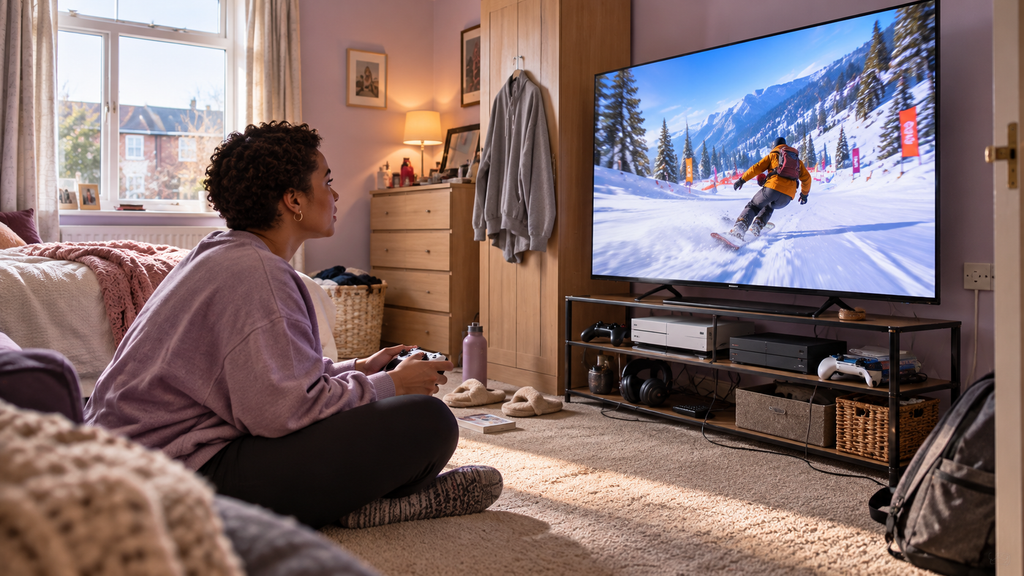
For most compact UK living rooms, 43 to 55 inches is the sweet spot for 120Hz TVs. That gives you a large enough screen to benefit from smoother motion without forcing you to sit uncomfortably close.
A 43 or 48-inch model can be ideal for bedrooms, studio flats and narrow lounges. Larger high-refresh models at 55 inches feel more cinematic, while 65-inch sets need considerably more wall space and viewing distance.
Measure the real eye-to-screen distance before buying. A television that looks impressive in a showroom can feel overwhelming when placed two metres from your sofa.
If 55 inches looks right for your viewing distance, our guide to the best 55-inch TVs for small living rooms compares more options at this popular size.
🎯 Native 120Hz vs 120Hz Game Modes
One of the biggest traps when shopping for 120Hz TVs is assuming every model advertised with “120Hz” has a native 120Hz panel.
Some televisions use 60Hz panels with special 120Hz game modes, reduced-resolution modes or motion processing. Those features can still be useful, but they are not the same as genuine native 120Hz performance.
For PS5 and Xbox Series X, native 120Hz TVs are the safest choice if you want consistent 4K/120 gaming in supported titles.
If gaming performance is your main priority, our guide to the best Gaming TVs UK compares more high-refresh options for PS5, Xbox and PC.
🎮 Why 120Hz Matters for PS5
PS5 can output supported games at up to 120 frames per second, so 120Hz TVs can display those frames without dropping back to 60Hz.
Fast shooters, racing games and sports titles benefit most. Motion looks smoother and controls can feel more immediate when the game itself is actually running at a higher frame rate.
Not every PS5 game supports 120fps, so buying one of the best 120Hz TVs also means choosing a screen that still performs well with 30fps and 60fps titles.
Sony’s official PS5 video output guide explains how to enable 120Hz output, VRR and compatible 4K display settings.
🟢 Why 120Hz Matters for Xbox Series X
Xbox Series X also supports 120Hz gaming, and 120Hz TVs pair especially well with the console’s VRR support.
VRR can help smooth out frame-rate fluctuations when a game is not locked perfectly to its target. That is useful in demanding games where performance changes from scene to scene.
If you use both Xbox and PS5, look for 120Hz TVs with more than one HDMI input capable of handling high-refresh 4K signals.
Microsoft’s official Xbox Series X specifications confirm support for gaming at up to 120fps alongside HDMI VRR and Auto Low Latency Mode.
⚡ VRR, ALLM and Low Input Lag
Refresh rate is only part of the story. Good 120Hz TVs should also support the features that help gaming feel responsive.
VRR allows the television’s refresh timing to follow the console or PC more closely, reducing tearing and visible judder. ALLM automatically switches the TV into a low-latency game mode when compatible hardware is detected.
Low input lag matters because it determines how quickly your button press appears on screen. For competitive gaming, this can be just as important as the headline refresh rate.
🔌 HDMI 2.1 and 4K/120Hz
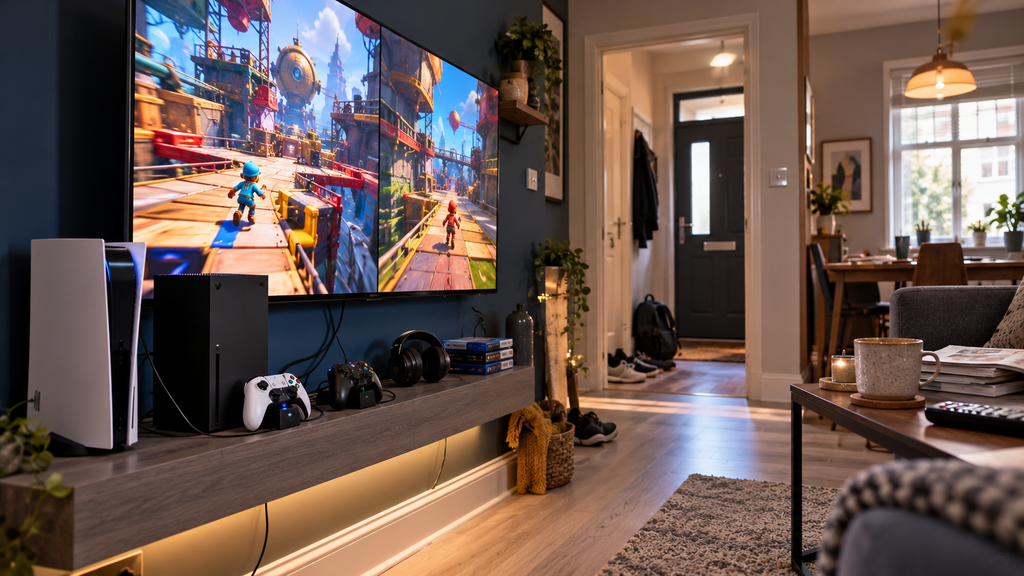
To get 4K at 120Hz from modern consoles, the connection between the console and television needs enough bandwidth. This is why HDMI capability matters when comparing 120Hz TVs.
Do not assume every HDMI port on the television is identical. Some 120Hz TVs only offer one or two ports with the bandwidth needed for 4K/120, VRR and other gaming features.
That becomes important if you own a PS5, Xbox Series X and gaming PC at the same time. The LG C5 is especially attractive because all four HDMI inputs support high-bandwidth gaming.
🖥️ Is 120Hz Enough for PC Gaming?
For most players, yes. 120Hz TVs already feel dramatically smoother than standard 60Hz screens and work brilliantly for controller-based PC gaming from a sofa.
A powerful gaming PC can exceed 120fps, though, so some models support 144Hz or higher through VRR. This can be useful if you also use the TV as a large gaming monitor.
The important thing is to check what resolution is supported at the highest refresh rate. Some televisions only reach their maximum refresh at a reduced resolution.
🌑 OLED vs QLED and Mini LED at 120Hz
OLED 120Hz TVs are excellent for gaming because individual pixels respond extremely quickly and can switch completely off for perfect blacks.
QLED and Mini LED alternatives usually have an advantage in brightness. That can make them easier to use in sunny rooms and particularly impressive with bright HDR highlights.
Neither technology is automatically better. OLED favours black levels and response, while strong Mini LED and QLED 120Hz TVs can be better suited to bright daytime gaming.
For a deeper look at the strengths of each panel type, see our OLED vs QLED TVs comparison, particularly if your room receives plenty of daylight.
☀️ Bright-Room Gaming
If your living room has large windows or receives strong daylight, brightness becomes an important consideration when comparing 120Hz TVs.
A bright LCD-based model may remain punchier during the day, while OLED generally looks its best when reflections are controlled. Anti-reflection coatings can make a meaningful difference too.
Where possible, avoid placing the TV directly opposite a window. Even excellent 120Hz TVs perform better when strong reflections are kept away from the screen.
If daytime brightness is particularly important, our guide to the best Mini LED TVs UK covers brighter alternatives that can work especially well in sunny living rooms.
👀 Viewing Distance for 43, 48, 55 and 65 Inches
Compact 120Hz TVs can be particularly useful because high-refresh gaming often encourages you to sit relatively close to the screen.
As a rough guide, 43 inches often works well from around 1.3 to 1.8 metres, 48 inches from around 1.5 to 2 metres, 55 inches from around 1.7 to 2.3 metres and 65 inches from roughly 2 to 2.7 metres.
These are not strict rules. Personal preference, eyesight and the type of games you play all affect the best distance.
Anyone considering the larger Hisense should also see our guide to the best 65-inch TVs for small living rooms before deciding whether the extra screen size suits their space.
🧱 Wall Mounting a 120Hz TV
Wall mounting can help 120Hz TVs fit more neatly into small rooms by removing the need for a deep TV cabinet.
Keep the screen close to seated eye level and make sure there is enough clearance for HDMI cables, ventilation and power connectors.
If the high-bandwidth HDMI ports face directly backwards rather than sideways, plug in your cables before the television is mounted tightly against the wall.
🔊 Do You Need a Soundbar?
Many high-refresh televisions focus heavily on gaming performance while built-in audio remains fairly basic.
For a small room, that may not be a problem. Headphones are often the best option for competitive gaming, while the television speakers can handle everyday streaming and casual play.
A compact soundbar makes more sense if you want stronger bass, clearer dialogue and a more cinematic experience without filling the room with speakers.
💷 Running Costs
Large, bright 120Hz TVs can use more electricity than smaller models, particularly with HDR brightness turned up.
OLED power use varies heavily with what is shown on screen, while bright LCD and Mini LED models can also draw more power in vivid or dynamic modes.
If two televisions suit your gaming needs equally well, the official energy label can help compare their likely running costs.
🧹 Care and Long Gaming Sessions
Keep ventilation openings clear around 120Hz TVs, especially when the television sits inside a narrow media unit or close to the wall.
For OLED, modern protection systems reduce the risk from static game elements, but it is still sensible to vary content and avoid leaving a paused game on screen for very long periods.
Long sessions are easier on the eyes when the screen is the right size and brightness for the room. Maximum brightness is rarely necessary at night.
❌ Common Mistakes When Buying 120Hz TVs
The first mistake is confusing native refresh rate with a boosted or simulated mode. Always verify what the panel actually supports.
The second is assuming all HDMI ports on 120Hz TVs can handle 4K/120. Check the exact input specifications if you plan to connect several consoles.
The third is buying too large for the room. A 65-inch screen may be excellent technically but can be less comfortable than a 48 or 55-inch television at short viewing distances.
Finally, do not buy 120Hz TVs purely for the refresh-rate number. HDR quality, input lag, VRR behaviour, response time and picture quality still matter.
❓ 120Hz TV FAQs
Are 120Hz TVs worth it for PS5?
Yes, especially if you play games that support 120fps. 120Hz TVs allow compatible PS5 titles to display smoother motion than a standard 60Hz screen.
Are 120Hz TVs worth it for Xbox Series X?
Yes. Xbox Series X supports 120Hz output, and 120Hz TVs with VRR are particularly useful when frame rates fluctuate.
Is 120Hz better than 60Hz for gaming?
Yes when the game outputs more than 60fps. Motion can look smoother and controls can feel more responsive on 120Hz TVs.
Do all 120Hz TVs support 4K at 120Hz?
No. Some models advertise 120Hz modes that work only at lower resolutions. Always check whether the specific television supports 4K/120Hz over HDMI.
Do I need HDMI 2.1 for 120Hz?
Not for every possible 120Hz signal, but modern console gaming at 4K/120 generally relies on HDMI 2.1-class bandwidth and features.
Is OLED better for 120Hz gaming?
OLED 120Hz TVs have extremely fast pixel response and excellent black levels, which makes them superb for gaming. Bright Mini LED alternatives may suit sunny rooms better.
What is the best size for a small room?
For most compact spaces, 43 to 55 inches is the strongest range. The best 120Hz TVs for small rooms give you smooth performance without forcing an oversized screen into the space.
🏁 Final Verdict
For most buyers, the LG OLED48C55LA C5 is the strongest overall choice among these 120Hz TVs. Its 48-inch size works brilliantly in smaller living rooms, while its native 120Hz OLED panel, four high-bandwidth HDMI inputs, VRR support and excellent response make it an unusually complete gaming television.
The Sony BRAVIA 8A is the standout option for PS5 owners, while the Philips 55OLED760 is particularly appealing for immersive evening gaming. If space is genuinely tight, the Panasonic W85B 43 is one of the most interesting compact 120Hz TVs because it delivers genuine high-refresh performance at a size that fits comfortably into bedrooms and studio flats.
The key is to verify the real panel specification rather than trusting the marketing headline. The best 120Hz TVs combine genuine high-refresh support with low latency, suitable HDMI connectivity, good HDR and a screen size that actually works in your room.