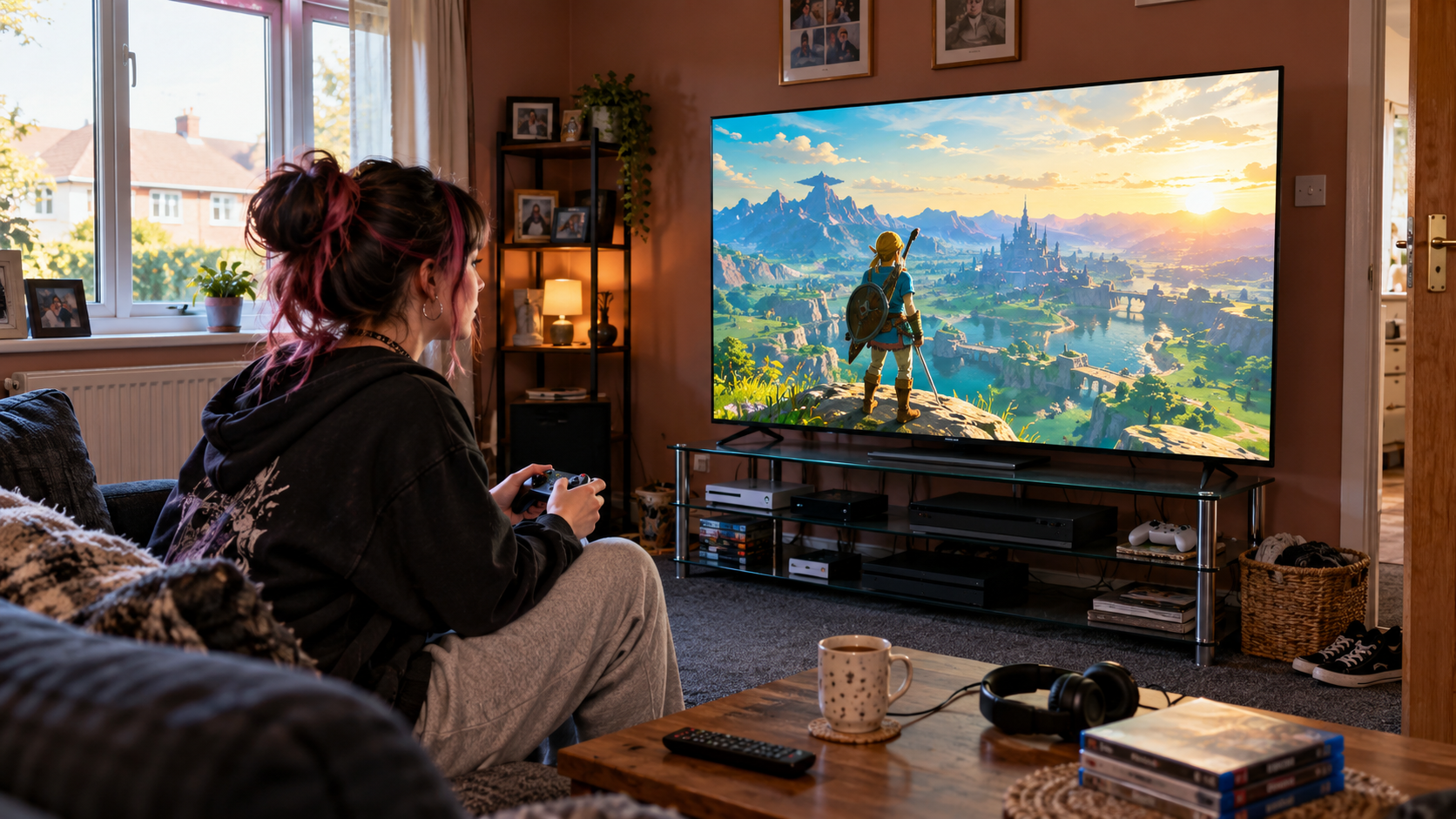
7 Best Gaming TVs UK 2026: Fast Picks for Small Living Rooms
Fast refresh rates, low-lag gaming and big-screen immersion without overwhelming a compact room
The best Gaming TVs combine high refresh rates, low input lag and strong HDR performance with screen sizes that still make sense in real UK living rooms. For smaller homes, that balance matters: a technically impressive television is not much use if it dominates the entire wall or forces you to sit uncomfortably close.
For this guide, we compared Gaming TVs across native refresh rate, VRR support, HDMI gaming features, HDR performance, smart platforms, built-in sound and overall value. We have also prioritised models that suit flats and compact lounges, rather than simply rewarding the biggest screens. The strongest Gaming TVs here range from compact 50-inch options to high-performance 55-inch models, with two 65-inch choices for rooms that can genuinely accommodate them.
⚡ Quick Picks
Hisense 55ER8STUK RGB MiniLED — Best Overall

Philips 55OLED760 — Best OLED Gaming TV
Haier S90GUF 55 — Best for Sound & High-Refresh Gaming

Sony BRAVIA 7 K55XR70 — Best for PS5

TCL 65C6K-UK — Best Big-Screen Gaming Value

Samsung QN80H 50-inch — Best Compact Samsung Gaming TV
Xiaomi TV F Pro 65 — Best Budget Gaming TV
Affiliate disclosure: This article contains Amazon affiliate links. If you click one of these links and make a qualifying purchase, I earn a commission at no extra cost to you. As an Amazon Associate I earn from qualifying purchases.
🏆 OUR TOP PICK: Hisense 55ER8STUK RGB MiniLED
The Hisense 55ER8STUK takes our top spot because it combines a genuinely room-friendly 55-inch screen with some of the most aggressive gaming specifications among these Gaming TVs. Its native high-refresh performance, RGB MiniLED backlight and gaming-focused feature set make it particularly attractive for PS5, Xbox Series X and high-frame-rate PC gaming.
Among current Gaming TVs, the Hisense stands out because you are not being asked to choose between compact dimensions and premium gaming performance. Its 55-inch size remains practical for many UK lounges, while its 180Hz gaming capability gives enthusiasts more headroom than conventional 120Hz sets.
CHECK LATEST PRICE ON AMAZON →
📊 Gaming TVs Comparison Table
| Product | Best For | Key Spec | Main Advantage | Possible Drawback | Check Latest Price |
|---|---|---|---|---|---|
| Hisense 55ER8STUK RGB MiniLED | Best Overall | 55″, up to 180Hz gaming | Exceptional high-refresh performance in a sensible size | Premium specification may be unnecessary for casual players | CHECK LATEST PRICE ON AMAZON → |
| Philips 55OLED760 | Best OLED Gaming TV | 55″, native 120Hz OLED | Perfect blacks, fast pixel response and Ambilight | 4K gaming tops out at 120Hz | CHECK LATEST PRICE ON AMAZON → |
| Haier S90GUF 55 | Best for Sound & High-Refresh Gaming | 55″, native 144Hz | Strong gaming features plus KEF 2.1 audio | Amazon Featured Offer availability may vary | CHECK LATEST PRICE ON AMAZON → |
| Sony BRAVIA 7 K55XR70 | Best for PS5 | 55″, 4K/120Hz | Excellent processing and PlayStation integration | Only two HDMI ports support the full 4K/120Hz gaming feature set | CHECK LATEST PRICE ON AMAZON → |
| TCL 65C6K-UK | Best Big-Screen Gaming Value | 65″, native 144Hz | QD-Mini LED and high refresh at strong value | 65 inches needs more room; Featured Offer may be unavailable | CHECK LATEST PRICE ON AMAZON → |
| Samsung QN80H 50-inch | Best Compact Samsung Gaming TV | 50″, 4K/120Hz support | Compact footprint, Mini LED and Samsung gaming features | 50-inch version is 50Hz native; no 144Hz Motion Xcelerator | CHECK LATEST PRICE ON AMAZON → |
| Xiaomi TV F Pro 65 | Best Budget Gaming TV | 65″, 60Hz native with 120Hz Game Boost | Large QLED screen at an accessible price | Not a native 120Hz panel | CHECK LATEST PRICE ON AMAZON → |
🥇 Hisense 55ER8STUK RGB MiniLED — Best Overall
The Hisense 55ER8STUK is the most complete choice among these Gaming TVs because it combines an unusually fast gaming specification with a 55-inch screen that is still realistic for compact rooms. Its RGB MiniLED backlight is designed to deliver bright HDR highlights and strong colour while retaining the response and refresh performance gamers care about.
The headline attraction is the high-refresh gaming capability. For players using a capable PC or console, that gives the Hisense a noticeable performance advantage over ordinary 60Hz Gaming TVs and more headroom than conventional 120Hz models. Compared with many other Gaming TVs, it also achieves that speed without forcing you into a larger 65-inch chassis.
✅ What We Like
- Up to 180Hz gaming performance.
- 55-inch size is well suited to many smaller living rooms.
- RGB MiniLED technology delivers strong brightness and colour.
- Excellent choice for fast competitive games.
- One of the most ambitious Gaming TVs in this size class.
⚠️ What Could Be Better
- Casual console players may not make full use of the very high refresh capability.
- Premium gaming features can push the price above simpler 55-inch alternatives.
👤 Who Is It Best For?
Choose the Hisense if you want a serious gaming screen for PS5, Xbox or PC without moving to an oversized 65-inch or 85-inch television.
CHECK LATEST PRICE ON AMAZON →
🌑 Philips 55OLED760 — Best OLED Gaming TV
The Philips 55OLED760 is the standout choice for players who want the instant pixel response and perfect black levels associated with OLED. Among these Gaming TVs, it is particularly appealing for dark-room adventures, horror games and cinematic single-player titles where contrast matters as much as raw refresh rate.
Its native 120Hz panel supports VRR, ALLM, FreeSync Premium and G-Sync compatibility. It can also accept higher-refresh 1440p signals, although 4K gaming tops out at 120Hz. Ambilight adds another layer of immersion without requiring separate lighting equipment around the television. For buyers comparing Gaming TVs for evening play, that combination of OLED contrast and low-latency features is especially compelling.
✅ What We Like
- OLED delivers perfect blacks and extremely fast pixel response.
- Native 120Hz panel is ideal for current-generation consoles.
- VRR, ALLM, FreeSync Premium and G-Sync compatibility.
- Ambilight creates a distinctive gaming atmosphere.
- One of the strongest Gaming TVs for cinematic games.
⚠️ What Could Be Better
- 4K gaming is limited to 120Hz rather than 144Hz or above.
- Buyers who play for very long periods with static HUD elements may prefer an LCD-based alternative.
👤 Who Is It Best For?
It is best for gamers who prioritise contrast, responsiveness and immersive single-player gaming over chasing the highest possible refresh number.
CHECK LATEST PRICE ON AMAZON →
🔊 Haier S90GUF 55 — Best for Sound & High-Refresh Gaming
The Haier S90GUF brings together two things that rarely receive equal attention on Gaming TVs: fast panel performance and genuinely useful built-in sound. Its native 144Hz QLED panel makes it a strong option for gaming, while the KEF 2.1-channel system and Dolby Atmos support reduce the need for a separate soundbar in a small room.
That combination is particularly useful in flats where adding more equipment means sacrificing valuable space. Compared with basic television speakers found on many Gaming TVs, the Haier’s audio system is a meaningful advantage for explosions, dialogue and spatial effects.
✅ What We Like
- Native 144Hz panel.
- KEF 2.1-channel audio is unusually strong for a television.
- Dolby Vision IQ and HDR10+ support.
- FreeSync Premium strengthens its PC and console credentials.
- Excellent all-in-one choice among Gaming TVs for small rooms.
⚠️ What Could Be Better
- Haier is less established in UK televisions than Sony, Samsung or Hisense.
- Amazon Featured Offer availability has been inconsistent when checked.
👤 Who Is It Best For?
Choose the Haier if you want high-refresh gaming and better built-in sound without adding a separate soundbar beneath the TV.
CHECK LATEST PRICE ON AMAZON →
🎮 Sony BRAVIA 7 K55XR70 — Best for PS5
The Sony BRAVIA 7 is one of the most polished Gaming TVs for PlayStation owners. Sony’s integration with PS5 includes gaming-specific picture features, while the 4K/120Hz panel, VRR and ALLM cover the essentials expected from a premium current-generation console display.
Picture processing is another strength. Games with complex HDR lighting, detailed environments and cinematic cutscenes benefit from Sony’s contrast and image processing, making the BRAVIA 7 feel as comfortable with story-led adventures as it does with faster competitive games.
✅ What We Like
- 4K/120Hz gaming support.
- VRR and ALLM.
- Particularly strong integration with PS5.
- Excellent HDR and motion processing.
- One of the most refined Gaming TVs for mixed gaming and movie use.
⚠️ What Could Be Better
- Only two HDMI inputs provide the full 4K/120Hz gaming feature set.
- Maximum gaming refresh is lower than the Hisense, Haier and TCL.
👤 Who Is It Best For?
It makes the most sense for PS5 owners who also want premium film, streaming and everyday television performance from the same screen.
CHECK LATEST PRICE ON AMAZON →
🖥️ TCL 65C6K-UK — Best Big-Screen Gaming Value
The TCL 65C6K-UK is the largest serious high-refresh option in this ranking. Its native 144Hz QD-Mini LED panel gives it genuine gaming credentials, while the 65-inch size can make racing games, sports titles and cinematic adventures feel dramatically more immersive.
Among 65-inch Gaming TVs, the TCL is particularly appealing because it combines a high refresh rate with Mini LED contrast and Google TV without automatically moving into flagship pricing.
The trade-off is physical size. A 65-inch set can work in a small-to-medium living room, but you need to measure carefully before buying. Amazon Featured Offer availability should also be checked because the listing did not have one when last reviewed.
✅ What We Like
- Native 144Hz panel.
- QD-Mini LED backlighting provides strong HDR performance.
- Excellent big-screen immersion.
- Google TV offers broad streaming support.
- Strong value compared with many premium 65-inch Gaming TVs.
⚠️ What Could Be Better
- 65 inches is not suitable for every small room.
- Amazon showed no Featured Offer when we last checked.
👤 Who Is It Best For?
Choose the TCL if you have enough viewing distance for 65 inches and want a genuinely high-refresh big-screen experience without flagship pricing.
CHECK LATEST PRICE ON AMAZON →
📐 Samsung QN80H 50-inch — Best Compact Samsung Gaming TV
The 50-inch Samsung QN80H occupies a useful niche among Gaming TVs because its smaller footprint makes it easier to accommodate than most premium gaming sets. For narrow rooms, bedrooms and compact lounges, 50 inches can be a much more comfortable fit than 55 or 65 inches.
There is an important specification nuance. Samsung supports 4K/120Hz gaming on this model, but the 50-inch version has a 50Hz native panel and does not receive the 144Hz Motion Xcelerator specification offered on some larger variants. That distinction matters when comparing Gaming TVs based purely on refresh-rate marketing. Even so, it remains one of the more space-conscious Gaming TVs here for console players who want Samsung’s ecosystem.
✅ What We Like
- 50-inch size is excellent for tighter spaces.
- Supports 4K/120Hz gaming.
- Samsung’s gaming interface is convenient.
- Neo QLED/Mini LED technology helps HDR brightness.
- A rare premium-sized option among compact Gaming TVs.
⚠️ What Could Be Better
- Native panel refresh is 50Hz.
- The 50-inch version does not support Samsung’s advertised 144Hz Motion Xcelerator feature.
- Amazon Featured Offer availability has been inconsistent.
👤 Who Is It Best For?
It is best for Samsung users who need a genuinely compact television but still want access to modern console gaming features.
CHECK LATEST PRICE ON AMAZON →
💷 Xiaomi TV F Pro 65 — Best Budget Gaming TV
The Xiaomi TV F Pro 65 is the value-focused choice among these Gaming TVs. Its 65-inch QLED screen delivers plenty of visual impact for the money, while Fire TV makes streaming straightforward when you are not playing.
The important limitation is refresh rate. This is a native 60Hz panel with a 120Hz Game Boost mode, so it should not be confused with native 120Hz, 144Hz or 180Hz Gaming TVs. For casual console use that may be perfectly acceptable, but competitive players should choose one of the faster models above.
✅ What We Like
- Large 65-inch QLED screen.
- Attractive value for the size.
- 120Hz Game Boost offers extra gaming flexibility.
- Fire TV provides convenient streaming access.
- Useful budget option among large Gaming TVs.
⚠️ What Could Be Better
- Native refresh rate is only 60Hz.
- 120Hz Game Boost is not equivalent to a native 120Hz panel.
- 65 inches requires considerably more room than the 50 and 55-inch choices.
👤 Who Is It Best For?
Choose the Xiaomi if screen size and price matter more than competitive high-refresh gaming and your room can comfortably handle a 65-inch television.
CHECK LATEST PRICE ON AMAZON →
🧠 How We Chose the Best Gaming TVs
We ranked these Gaming TVs around genuine gaming specifications rather than relying on product names or marketing labels. Native refresh rate, VRR, ALLM, HDMI capability, HDR performance and screen response all influenced the order.
Room suitability mattered too. The best Gaming TVs for Small Living Solutions need to fit into real UK homes, which is why the 50 and 55-inch models receive a natural advantage over enormous screens when performance is otherwise comparable.
We also distinguished native refresh rates from boosted gaming modes. A television advertised with a 120Hz gaming feature is not automatically equivalent to a native 120Hz panel, and that difference becomes particularly important for fast competitive games.
Finally, we considered how each screen performs outside gaming. Smart-TV software, movie performance and built-in audio all matter because most households will use their Gaming TVs for streaming, sport and everyday television as well as consoles.
🔎 Top Things to Search on Amazon
When comparing Gaming TVs on Amazon UK, these searches are useful starting points:
- Gaming TV 120Hz
- Gaming TV 144Hz
- Gaming TV HDMI 2.1 UK
Always check the exact size and model number before ordering because refresh-rate specifications can change between different screen sizes in the same television range.
📏 What Size Gaming TV Is Best for a Small Living Room?
For most flats and compact lounges, 50 to 55 inches is the sweet spot for Gaming TVs. That size gives you enough screen area for immersive console gaming without making the room feel dominated by the television.
A 65-inch model can still work well if you have enough viewing distance, but bigger is not automatically better. Oversized Gaming TVs can feel tiring if you sit too close, particularly in fast first-person games where the camera moves constantly.
As a rough guide, 50-inch screens often work well from around 1.5 to 2 metres, 55-inch screens around 1.7 to 2.3 metres, and 65-inch screens around 2 to 2.7 metres. Measure your real eye-to-screen distance before choosing between Gaming TVs.
If 55 inches feels slightly too dominant for your setup, our guide to the best 50-inch TVs UK covers more compact options for smaller living rooms.
🎯 Native Refresh Rate Matters
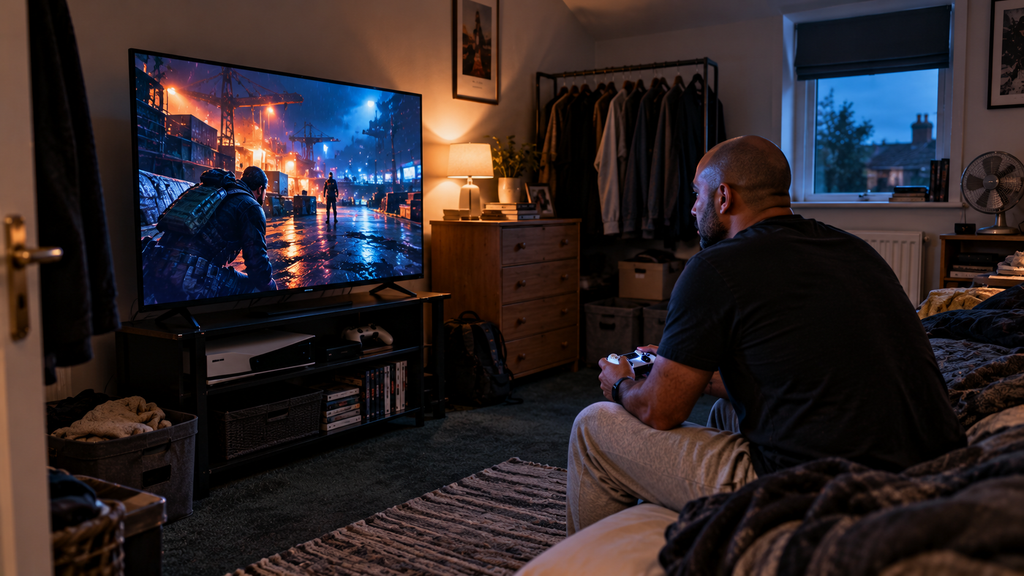
Refresh rate is one of the most important specifications when comparing Gaming TVs. A native 120Hz, 144Hz or 180Hz panel can display more frames per second than a standard 60Hz television when the console or PC supports it.
That matters most in fast games such as shooters, racing titles, sports games and fighting games. Higher-refresh Gaming TVs can make motion feel smoother and controls more responsive, especially when paired with a capable PC.
Be careful with marketing phrases such as “120Hz Game Boost” or “Motion 120Hz”. Those modes do not always mean the television has a native 120Hz panel.
⚡ What Is VRR and Why Does It Matter?
VRR stands for Variable Refresh Rate. It allows Gaming TVs to adjust their refresh timing to match the frame rate being produced by the console or PC.
That can reduce screen tearing and make frame-rate fluctuations look less distracting. VRR is particularly useful in games that do not hold a perfectly stable frame rate.
For PS5 and Xbox Series X owners, VRR support is one of the key features worth checking alongside refresh rate and HDMI capabilities.
For the technical explanation, HDMI’s official VRR guidance explains how variable refresh rate can reduce tearing, judder and lag by allowing the display to adapt to the gaming source.
🚀 What Does ALLM Do?
ALLM stands for Auto Low Latency Mode. Compatible Gaming TVs can automatically switch into their low-lag game mode when they detect a console.
This sounds minor, but it removes the risk of accidentally gaming with heavy picture processing enabled. That processing may look good for films but can make controls feel delayed.
If you regularly switch between games, streaming and broadcast television, ALLM makes the whole setup easier to live with.
🔌 Do You Need HDMI 2.1?
For high-refresh 4K gaming, HDMI capability matters. Many premium Gaming TVs use HDMI 2.1 features to support 4K at 120Hz, VRR and ALLM.
However, not every HDMI port on a television necessarily supports the full feature set. Some models only provide one or two high-bandwidth gaming ports.
That matters if you own multiple consoles, such as a PS5 and Xbox Series X, or want to connect a gaming PC as well. The best Gaming TVs make their high-bandwidth HDMI support clear, but you should still check the exact number of capable inputs before buying.
🕹️ Gaming TVs for PS5
The PS5 can output games at up to 120Hz when supported, so native 120Hz Gaming TVs are a natural match.
VRR can also improve supported games when frame rates fluctuate, while HDR performance matters for bright highlights, dark interiors and cinematic titles.
Sony televisions can offer useful PS5-specific features, but you do not need to buy a Sony TV for PlayStation. The Hisense, Philips, Haier, TCL and Samsung models in this guide can all make strong console displays depending on your priorities.
Sony’s official PS5 features guide explains how compatible displays can use 120Hz output, VRR and Auto Low Latency Mode for smoother console gaming.
🎮 Gaming TVs for Xbox Series X
Xbox Series X works particularly well with feature-rich Gaming TVs because the console supports 4K/120Hz, VRR and several HDR formats.
If Xbox is your main console, look carefully at HDMI bandwidth, VRR support and whether the television handles 120Hz without sacrificing important picture settings.
High-refresh LCD and Mini LED sets can be especially appealing for Xbox players who spend a lot of time with shooters, racing games and competitive multiplayer.
If you want strong colour as well as console features, our guide to the best QLED TVs UK includes several high-refresh models suited to gaming.
💻 Gaming TVs for PC
PC gaming is where refresh rates above 120Hz become most useful. A powerful computer can drive games at frame rates that current consoles cannot, making 144Hz, 165Hz or 180Hz Gaming TVs more worthwhile.
PC players should also check resolution limitations. Some televisions advertise very high refresh rates only at reduced resolutions rather than full 4K.
FreeSync and G-Sync compatibility can also be useful if your graphics hardware supports them.
🌈 HDR Gaming: What Actually Matters?
HDR can make games look dramatically better, but the HDR label alone tells you very little. The best Gaming TVs combine strong peak brightness with good black levels, colour volume and local contrast.
Bright explosions, sunlight, reflections and neon highlights should stand out without crushing detail in darker parts of the image.
OLED delivers excellent black levels, while Mini LED and other high-end LCD technologies can produce stronger full-screen brightness. Which is better depends partly on whether you mostly play during the day or at night.
For brighter HDR and more precise backlight control, compare our best Mini LED TVs UK, many of which also offer serious gaming specifications.
🌑 OLED vs Mini LED for Gaming
OLED is particularly attractive for Gaming TVs because each pixel can change independently, producing extremely fast response times and perfect blacks.
Mini LED cannot switch individual pixels off, but it can reach very high brightness and is often better suited to rooms with strong daylight.
For dark-room single-player games, OLED can look spectacular. For daytime gaming, sport and long sessions with static interface elements, many buyers may prefer Mini LED.
If perfect blacks and rapid pixel response are your priorities, our best 55-inch OLED TVs guide covers premium screens that remain manageable in smaller rooms.
☀️ Gaming in a Bright Room
If your gaming room receives strong daylight, brightness and reflection handling become important. Some Gaming TVs cope with sunlight far better than others.
A high-brightness Mini LED or QLED set can remain punchy during the day, while effective anti-reflection treatment helps preserve contrast.
Try to avoid positioning the television directly opposite a bright window if possible. Even the brightest panel will look better when reflections are controlled.
For bright daytime rooms, our guide to the best 55-inch QLED TVs compares colourful alternatives designed to remain punchy in stronger ambient light.
🧱 Wall Mounting a Gaming TV
Wall mounting Gaming TVs can free valuable floor space and help create a cleaner console setup in a small room.
Position the screen close to seated eye level and leave enough space for ventilation and cable access. Before mounting, check where the HDMI ports are located because side-facing ports are much easier to reach once the TV is on the wall.
If your console sits below the screen, plan cable routes before installation so HDMI and power leads do not hang visibly down the wall.
🔊 Do Gaming TVs Need a Soundbar?
Not always. Some Gaming TVs now include surprisingly capable built-in audio, and the Haier in this guide is a good example.
In a compact room, built-in speakers may be more than adequate for casual gaming. Headphones are another practical option, particularly if you play late at night or share walls with neighbours.
A soundbar becomes more useful if you want stronger bass, clearer dialogue and a more cinematic experience without using headphones.
If you want stronger game audio without filling the room with equipment, our guide to the best soundbars under 60cm wide covers compact options for narrow TV units.
🪑 Viewing Position and Multiplayer Gaming
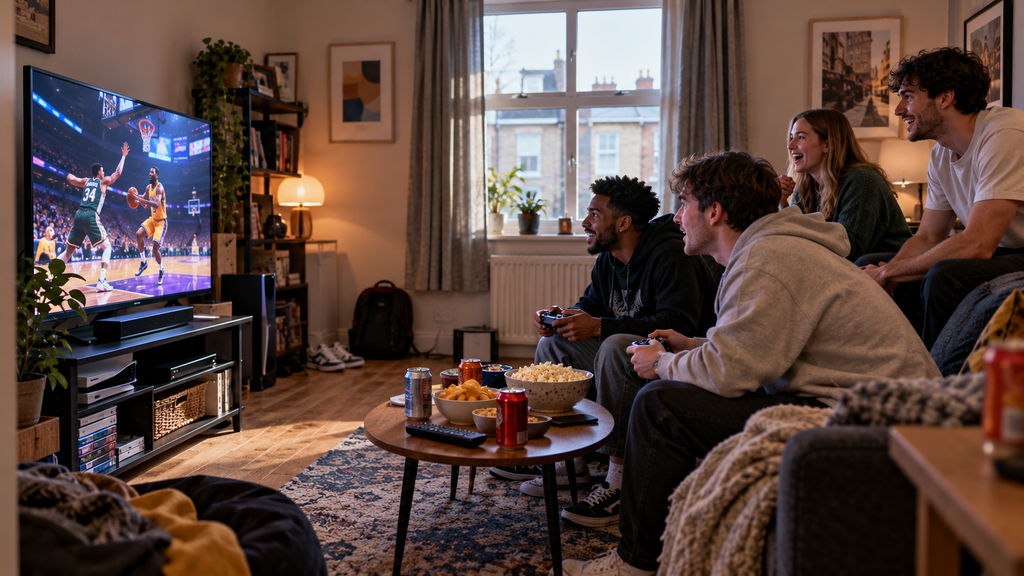
Local multiplayer changes the way Gaming TVs should be positioned. If several people sit across a sofa or around a room, viewing angles matter more than they do for a solo player directly in front of the screen.
OLED panels generally maintain picture quality well from wider angles, while some LCD televisions lose contrast or colour when viewed far off-centre.
For party games and split-screen gaming, also remember that each player effectively gets a smaller portion of the display, which can make 55 or 65 inches more attractive.
If local multiplayer makes a larger screen more appealing, our guide to the best 65-inch TVs for small living rooms explains when the extra screen size can still work in a compact home.
💷 Running Costs
Large, bright Gaming TVs can use significantly more electricity than smaller or less powerful models, especially when HDR brightness is high.
Energy use also changes depending on the picture mode. Game mode may disable some processing, but brightness settings still have a major impact.
If two televisions offer similar gaming performance, the official energy label can help you compare likely running costs.
🧹 Care and Long Gaming Sessions
Keep ventilation openings clear around Gaming TVs, particularly if the screen sits close to a wall or inside a tight media unit.
For OLED, sensible use is worthwhile during extremely long sessions with static HUD elements. Modern protection systems reduce risk, but varying content and avoiding unnecessary maximum brightness can still be sensible.
Also give your eyes regular breaks. A larger television viewed at close range can be visually intense during long sessions.
❌ Common Mistakes When Buying Gaming TVs
The first mistake is assuming any television advertised as “120Hz” has a native 120Hz panel. Always check the actual native refresh rate.
The second is ignoring HDMI limitations. Some Gaming TVs have several HDMI sockets but only one or two that support the highest refresh rates and VRR.
The third is buying too large for the room. An 85-inch television may have spectacular gaming specifications, but it is rarely sensible in a compact lounge.
Finally, do not focus on refresh rate alone. HDR quality, input lag, VRR behaviour, response time and picture processing all affect how good a gaming television feels.
❓ Gaming TV FAQs
Is 120Hz worth it for gaming?
Yes, particularly for PS5, Xbox Series X and PC. Native 120Hz Gaming TVs can display supported games at up to 120 frames per second, producing smoother motion than standard 60Hz screens.
Is 144Hz better than 120Hz?
For consoles, the difference is limited because PS5 and Xbox Series X generally top out at 120Hz. For PC gaming, 144Hz Gaming TVs can provide extra smoothness if your computer can generate enough frames.
Is OLED good for gaming?
Yes. OLED Gaming TVs offer extremely fast pixel response, excellent viewing angles and perfect blacks, making them particularly strong for cinematic and dark-room games.
Is Mini LED good for gaming?
Yes. Mini LED Gaming TVs can deliver high brightness, strong HDR and excellent refresh rates, which makes them particularly useful in brighter rooms.
What size TV is best for gaming in a small room?
For most compact living rooms, 50 to 55 inches is a strong balance. It feels immersive without requiring the viewing distance of a 65-inch screen.
Do I need HDMI 2.1 for PS5?
You do not need HDMI 2.1 simply to use a PS5, but it becomes important if you want features such as 4K/120Hz and VRR on compatible games.
Is 60Hz still good enough?
Yes for casual gaming, slower single-player titles and many Nintendo games. However, serious console and PC players will get more benefit from higher-refresh Gaming TVs.
🏁 Final Verdict
For most buyers, the Hisense 55ER8STUK RGB MiniLED is the strongest overall choice among these Gaming TVs. Its 55-inch size fits the Small Living Solutions brief particularly well, while its very high refresh capability gives both console and PC players plenty of performance headroom.
The Philips 55OLED760 is the better choice if OLED contrast and instant response matter most, while the Haier S90GUF combines strong native 144Hz gaming with unusually capable built-in audio. PS5 owners should also look closely at the Sony BRAVIA 7.
The key is to avoid buying from headline specifications alone. The best Gaming TVs combine the right screen size, genuine native refresh performance, VRR, suitable HDMI connectivity and picture quality that works well in the room where you actually play.