Best Router Settings for Thick Walls UK (Easy Fixes 2026)
📶 Best Router Settings for Thick Walls UK
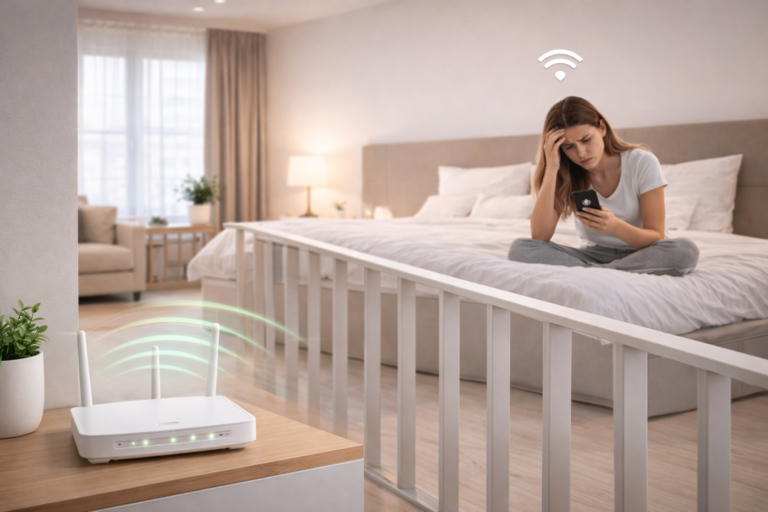
If your internet struggles in certain rooms, changing your router settings can sometimes improve coverage more than people expect.
Many users searching for the best router settings for thick walls UK already have decent broadband speeds — but poor optimisation.
Thick brick, stone, and concrete walls can weaken wireless signals heavily, especially in older UK homes. For the complete guide to improving connectivity in smaller homes, read wifi in small flats uk
The good news is that a few simple router adjustments can noticeably improve performance.
🔥 QUICK PICKS
- Best Router for Thick Walls: Check Latest Price on Amazon ➜
- Best Mesh WiFi System: Check Latest Price on Amazon ➜
- Best Budget Router Upgrade: Check Latest Price on Amazon ➜
- Best Premium WiFi Setup: Check Latest Price on Amazon ➜
Affiliate Disclosure: This article contains affiliate links. If you click a link and make a purchase, we may earn a small commission at no extra cost to you.
| Router Setting | Best For | Difficulty | Main Benefit |
|---|---|---|---|
| 2.4GHz Band | Thick walls & long range | Easy | Better wall penetration |
| 5GHz Band | Speed near router | Easy | Faster wireless speeds |
| Channel 1, 6 or 11 | Flats & apartments | Easy | Reduced interference |
| Separate WiFi Bands | Weak signal rooms | Medium | Better device control |
| WiFi 6 Enabled | Modern homes | Easy | Improved efficiency |
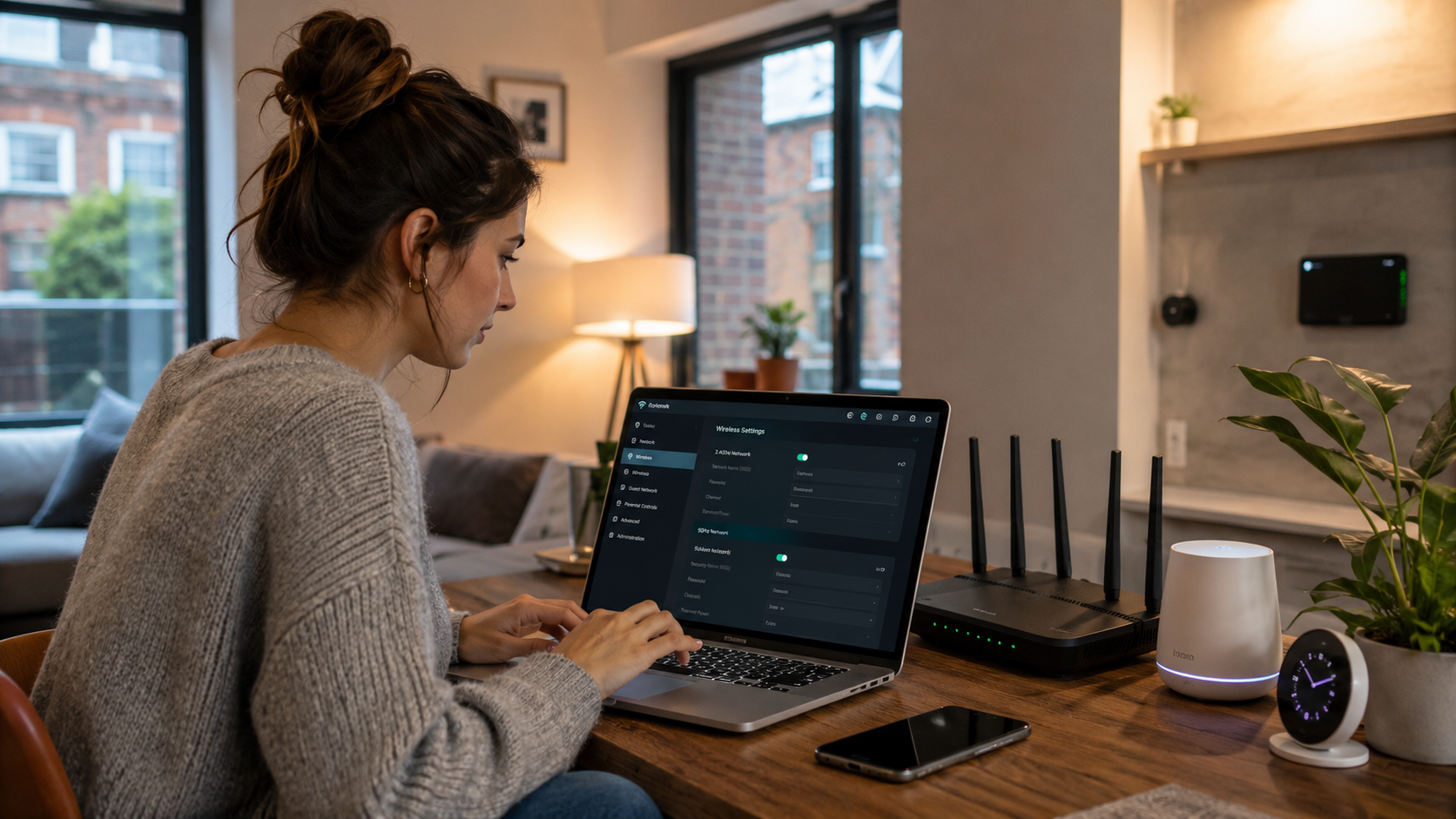
⚡ Use 2.4GHz for Better Wall Penetration
Most modern routers use:
- 2.4GHz
- 5GHz
The 5GHz band is faster, but it struggles more with thick walls.
👉 2.4GHz usually travels further and penetrates walls more effectively.
For difficult homes, this often improves stability significantly.
📡 Choose the Best WiFi Channel
Neighbouring routers can cause heavy interference in UK flats and apartments.
Changing your WiFi channel can help reduce congestion.
For 2.4GHz:
- Channels 1, 6, and 11 usually work best.
👉 This is one of the easiest ways to improve wireless performance.
For signal boosting tips, see how to boost wifi signal through walls uk
🛜 Separate 2.4GHz and 5GHz Networks
Many routers combine both frequencies automatically.
However, separating them can help you:
- Control device connections better
- Prioritise stronger signals
- Improve stability in weak areas
👉 Devices far from the router often perform better on 2.4GHz.
🏠 Adjust Router Placement First
Settings help, but placement still matters massively.
For best performance:
- Place the router centrally
- Raise it off the floor
- Avoid cupboards and corners
- Keep it away from thick walls where possible
👉 Even expensive routers perform badly with poor placement.
For mesh placement tips, see best mesh node placement for thick walls uk
🚀 Enable WiFi 6 If Available
If your router supports WiFi 6:
- Enable it in settings
- Update firmware regularly
- Use compatible devices where possible
👉 WiFi 6 improves efficiency and stability in busy homes.
For WiFi 6 performance advice, read does wifi 6 work better through walls uk
📶 Use Mesh WiFi for Large Homes
Sometimes settings alone are not enough.
In homes with:
- Concrete walls
- Multiple floors
- Large layouts
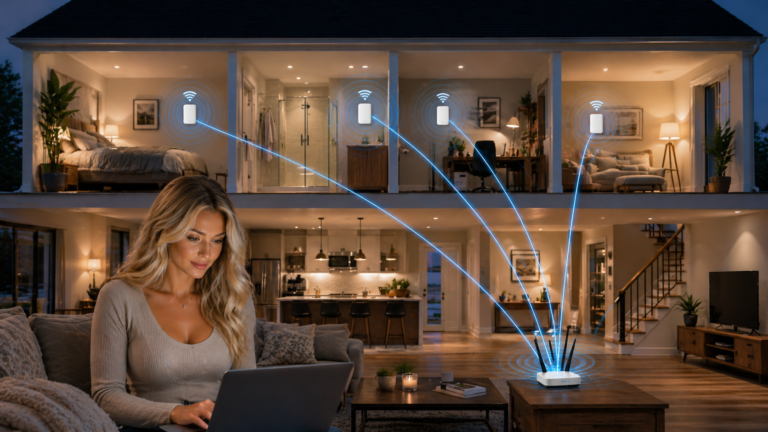
mesh WiFi systems usually perform far better than a single router.
👉 This is often the best long-term solution.
For stronger mesh coverage, see best mesh wifi for thick walls uk
⚠️ Avoid Common Router Mistakes
Many people accidentally reduce WiFi performance by:
- Leaving default settings unchanged
- Using overcrowded channels
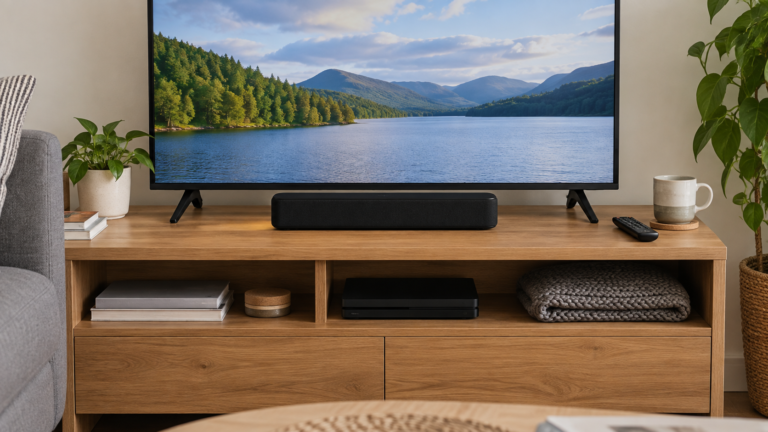
- Hiding routers behind TVs
- Positioning routers beside thick walls
👉 Small changes can produce major improvements.
For wall penetration advice, read how to get wifi through concrete walls uk
🧱 Thick Walls Still Limit WiFi
Even with the best router settings for thick walls UK, dense materials still weaken wireless signals.
However, combining:
- Correct settings
- Better placement
- Modern routers
- Mesh WiFi systems
can dramatically improve overall coverage.
For full setup advice, read best wifi setup for thick walls uk
🏆 Final Verdict
The best router settings for thick walls UK usually include:
- Using 2.4GHz for difficult rooms
- Choosing cleaner WiFi channels
- Separating frequency bands
- Improving router placement
For difficult UK homes, these simple adjustments can noticeably improve speed, stability, and coverage throughout the property.
For broadband and wireless advice, see Ofcom